iPhone
How to Use iPhone Clean Up Feature to Blur Faces in Photos
Learn how to blur faces in photos on your iPhone with the Clean Up feature! Easily hide faces in seconds for privacy and anonymity.

iPhone
Learn how to blur faces in photos on your iPhone with the Clean Up feature! Easily hide faces in seconds for privacy and anonymity.
Mac
Master iPhone mirroring in macOS Sequoia with these 5 pro tips! Learn how to seamlessly connect your iPhone to your Mac and enhance your workflow.
iPhone
Learn how to recover recently closed tabs in Safari on your iPhone with this simple tutorial. Never lose an important webpage again with these easy steps!
iPhone
Learn how to add Google Gemini to your iPhone home screen with this simple tutorial. Follow these steps to easily access Gemini on your iOS device!
iPhone
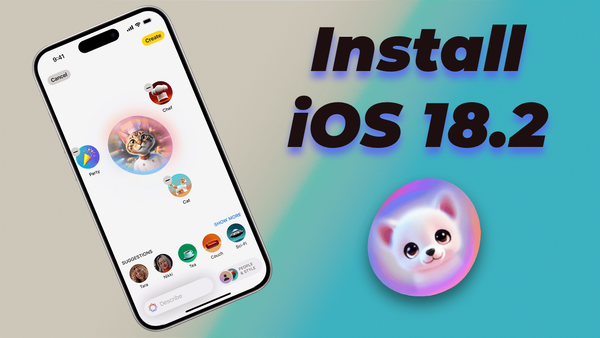
In this guide, I will show you how to install iOS 18.2 Developer Beta to test the Image Playground and genmoji features right now.
Guide
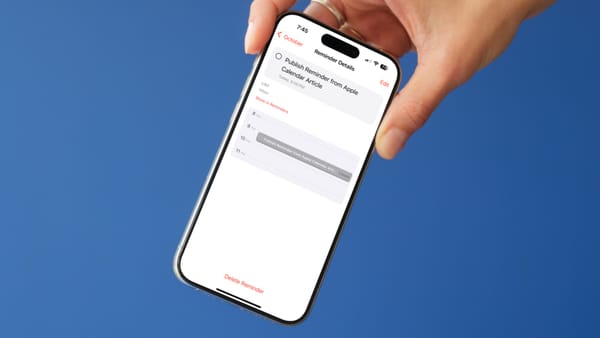
Learn how to create reminders from Apple Calendar on your Mac or iPhone. You can also view your reminders in Apple Calendar.
iPhone
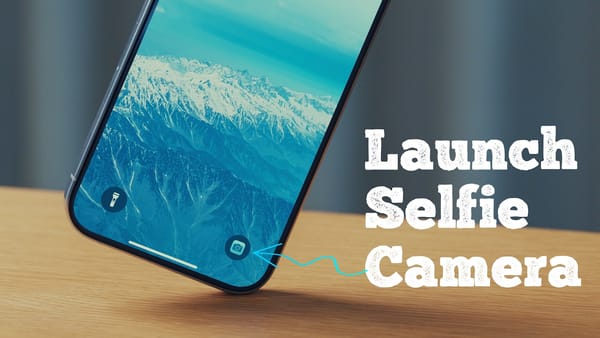
Learn how to easily launch the selfie camera from your iPhone lock screen with this quick tutorial.
iPhone
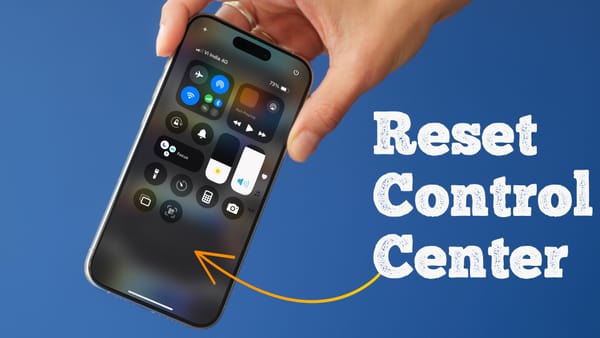
Learn how to reset the Control Center in iOS 18 with this easy tutorial. If you’re having issues with your iPhone’s Control Center, this will show you how to fix it in no time!
Mac
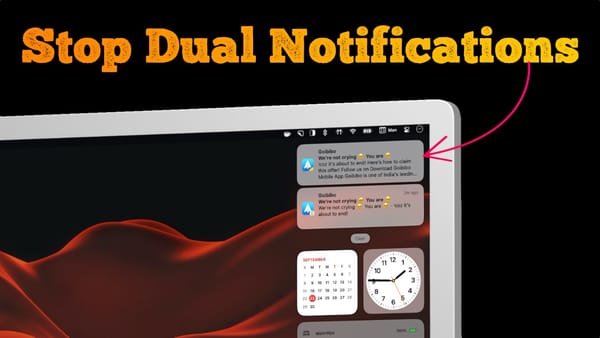
If you have updated your Mac to macOS Sequoia and iPhone to iOS 18, you might see double notifications from some apps. In this guide, I will show you how you can solve this issue. Why do you receive double notifications? Your Mac is receiving duplicate notifications because the new
iPhone
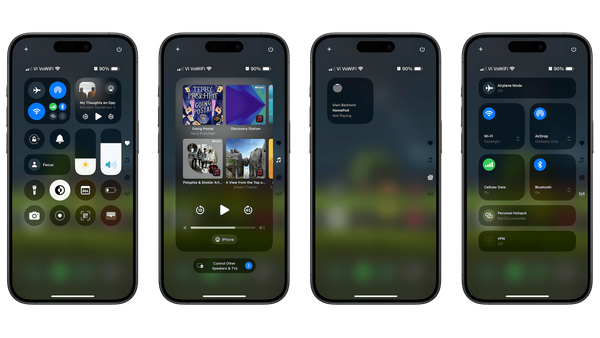
iOS 18 has introduced a whole new Control Center that looks different and is customizable. You can add or remove controls, resize controls, and move controls between pages, right from the Control Center. Now, even third-party apps can offer controls for the Control Center, making it even more enticing. That
iPhone
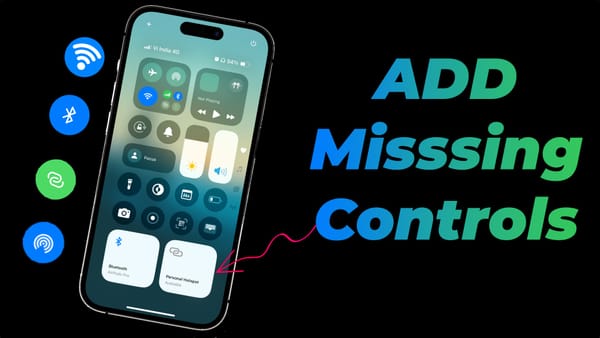
Here's how to add missing Wi-Fi, Bluetooth, AirDrop, Hotspot Control Center toggles in iOS 18.
Mac
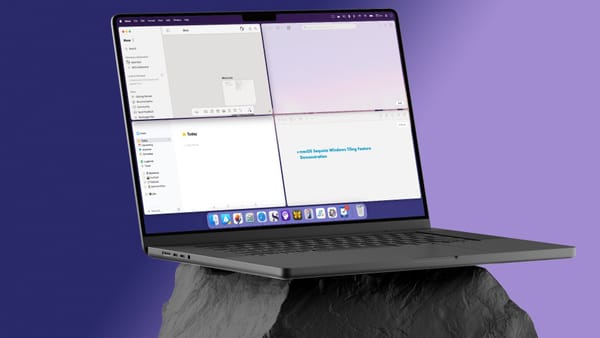
One of my favorite features of macOS Sequoia is the window tiling feature that allows us to easily multi-task. You no longer have to install third-party Mac apps to utilize this feature in macOS. Here’s how you do it: Use click and drag to tile windows The easiest way