Guide
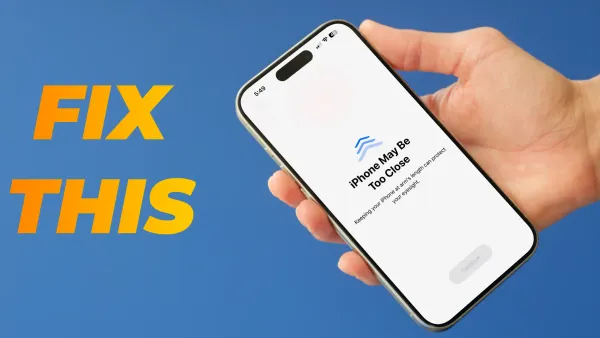
How to Turn Off iPhone Maybe Too Close
Here's how to turn off iPhone maybe too close notifications by disabling Screen Time on iPhone.

Guide
Here's how to turn off iPhone maybe too close notifications by disabling Screen Time on iPhone.
Mac
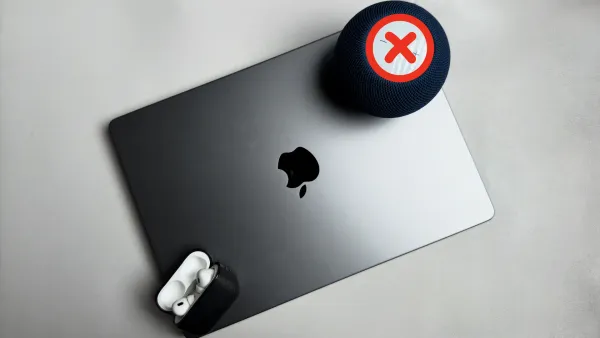
HomePod cannot connect to Mac after you connect the Mac with AirPods? Here's a quick fix.
Guide
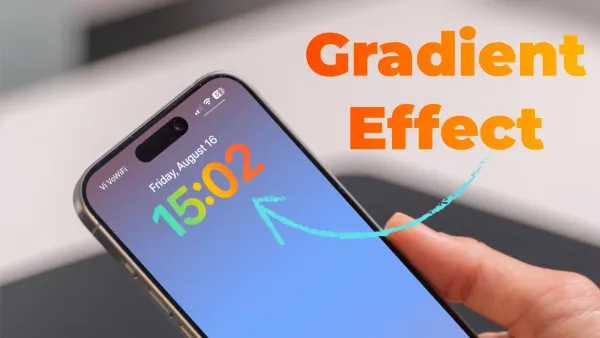
Customize iPhone Lock Screen with built-in gradient wallpapers and clock without third-party apps. Here's a step-by-step guide to enhance your screen!
Logseq
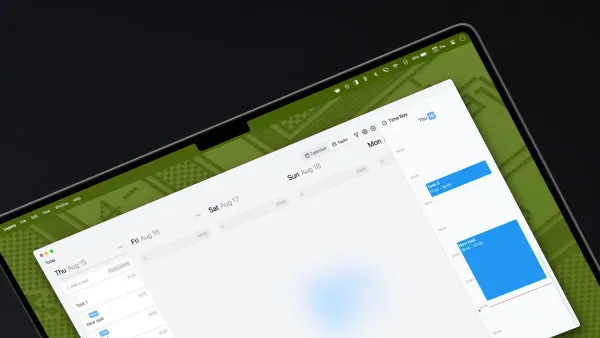
Here's how to use Logseq Agenda3 plugin version 3.0. Create tasks and manage projects in your Logseq directory with ease.
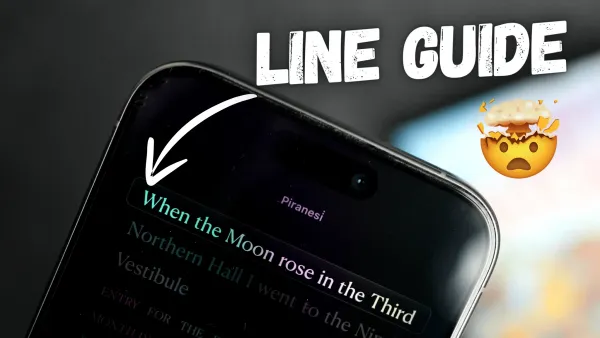
iPhone
Enhance your reading experience on iPhone with Apple's new Line Guide feature in iOS 18, which highlights your current line for better readability.
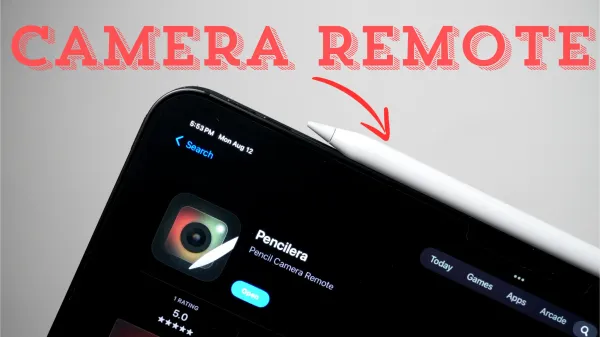
iPad
Here's how you can use your Apple Pencil 2 or Apple Pencil Pro as a remote button for your iPad's camera.
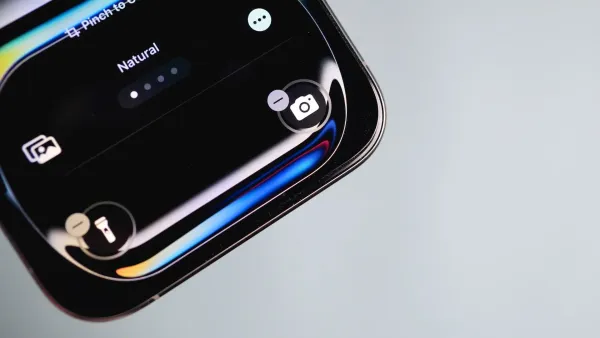
Guide
Here's how to remove camera from your iPhone's Lock Screen with iOS 18 and prevent unauthorized camera access.
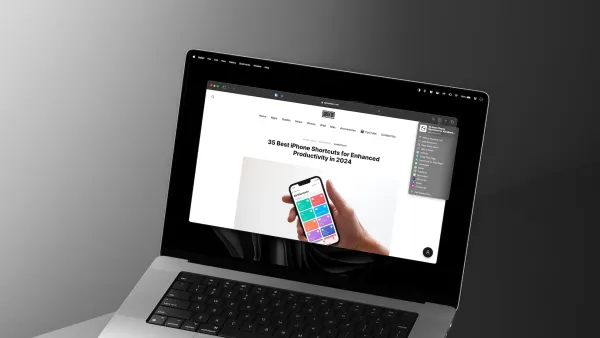
Mac
Discover quick and easy ways to add articles to Safari Reading List on Mac in macOS 15 Sequoia. Save articles for offline reading.
iPhone
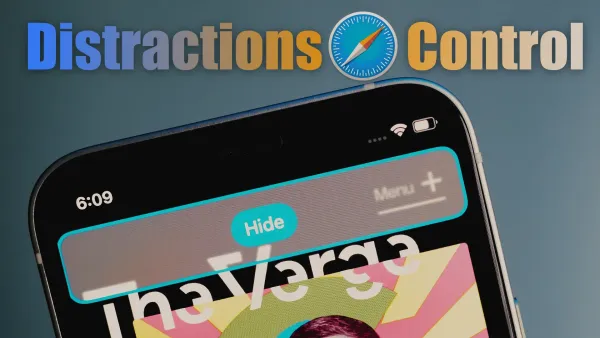
Discover new Distraction Controls feature in Safari. Learn how to remove distracting elements like sign-up dialogs and cookie banners from web page.
iPhone
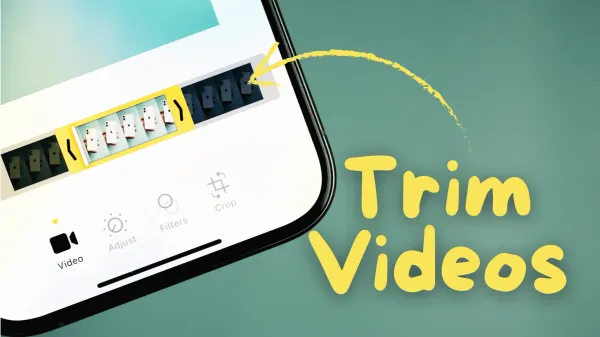
Learn how to trim videos on your iPhone without needing a third-party app! Discover simple steps to trim videos from the Photos or Files app.
iPhone
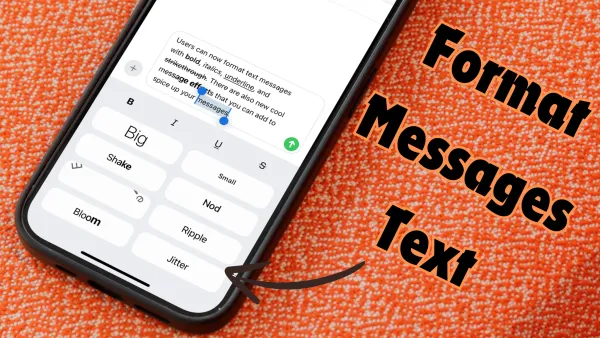
Discover how to format iPhone messages with bold, italics, underline, and strikethrough using the new text effects feature in iOS 18.
iPhone
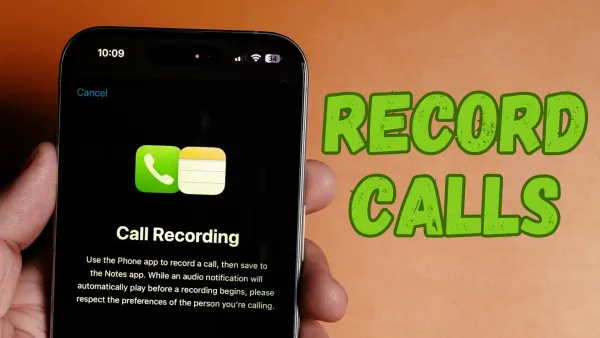
Here's how to record calls on iPhone. The call recording feature is a part of Apple Intelligence released with iOS 18.1 update.