
Guide
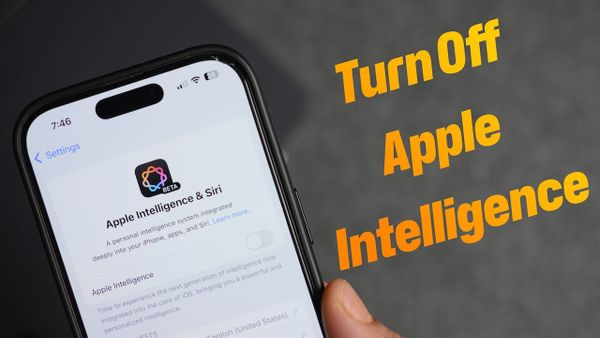
How to Turn Off Apple Intelligence AI on iPhone, iPad, and Mac
Apple Intelligence can take up to 7GB of space on your iPhone. Learn how to turn off Apple Intelligence on your iPhone, iPad, and Mac to regain storage!
Guide
Apple Intelligence can take up to 7GB of space on your iPhone. Learn how to turn off Apple Intelligence on your iPhone, iPad, and Mac to regain storage!
Guide
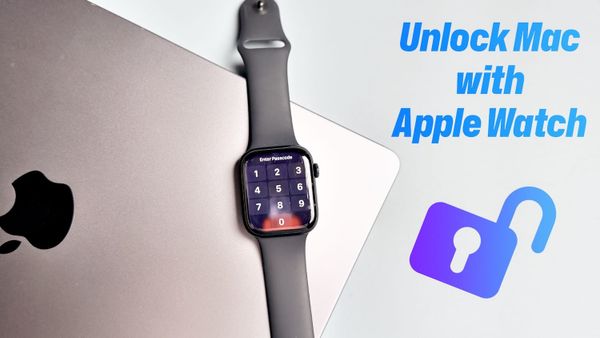
Learn how to unlock your Mac with Apple Watch and approve logins or payments with ease. A must-know trick for Apple enthusiasts!
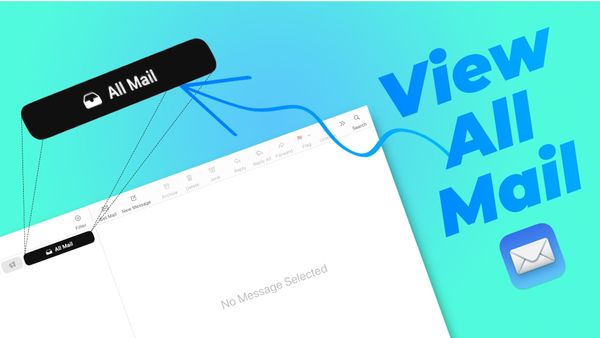
macOS Sequoia 15.4 update has introduced Mail Categories feature. Learn how to get the "All Mail" view in the Apple Mail app on your Mac.
Mac
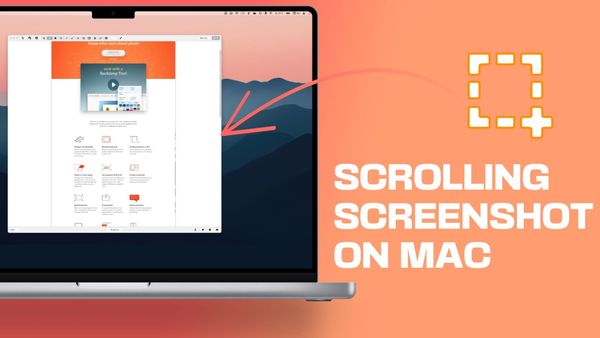
Want to capture a full webpage or long chats? Here is how to take a scrolling screenshot on Mac for free with ease.
Mac
One of the things that I love and hate about MacBook is that it automatically turns on when you open the lid or connect it to the power. There’s no way in settings to turn off this behavior. However, Apple recently released a guideline that shows how you can
Mac
Want to extract high-quality icons from any Mac app in seconds? In this video, we'll show you a simple trick to get high-resolution icons from any Mac application without any design skills or software.
Mac
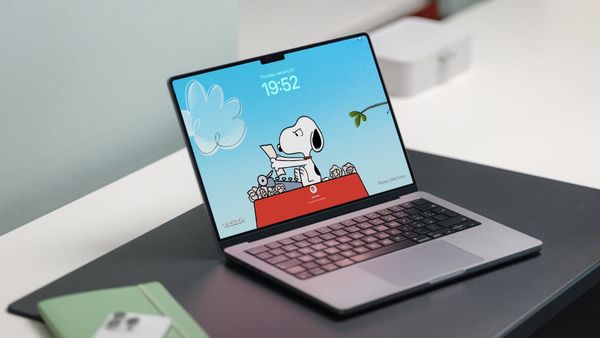
Apple has released snoopy screensavers for Apple TV. Here's how to use snoopy screensavers on Mac right now.
Guide
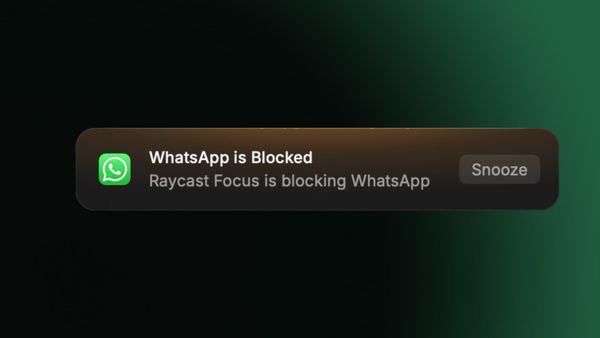
Discover how Raycast Focus blocks distractions and boosts productivity with by allowing you to block apps and websites. Learn how it can become the ultimate focus tool with a few tweaks!
Mac
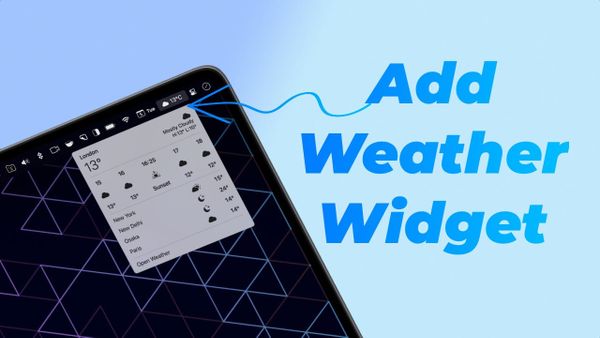
In this article, I'll show you how to easily add the free weather widget in macOS 15.2 to your menu bar for quick access to the forecast.
Mac
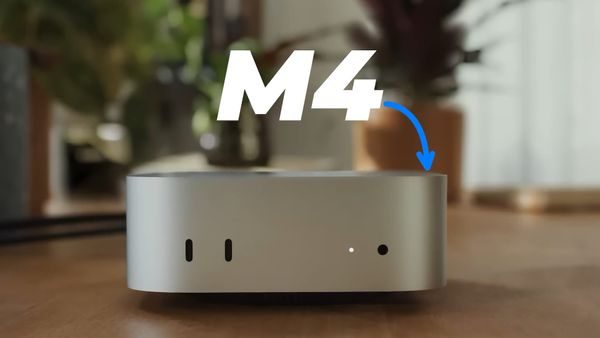
Apple had an exciting week of Mac launches! From the M4 MacBook Pro to the M4 Mac Mini and M4 iMac, here's everything you need to know in this buying guide.
Mac
If you're a macOS Sequoia user, you don't want to miss out on these top 10 settings! Learn how to enhance your experience with these tips and tricks.
iPhone
Learn how to blur faces in photos on your iPhone with the Clean Up feature! Easily hide faces in seconds for privacy and anonymity.