iPhone
How to Generate Temporary Email IDs on iPhone and Mac
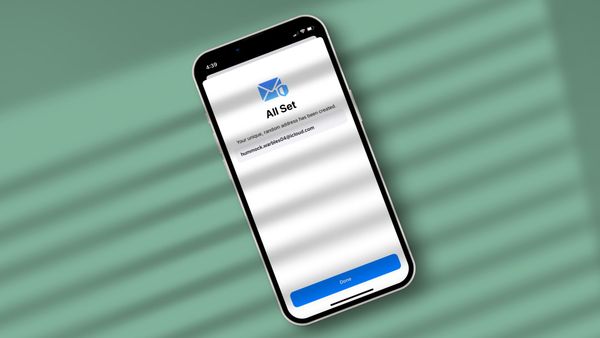
Here is how you can generate temporary email IDs on iPhone and Mac.

Rachit is a tech journalist with over 10 years of experience covering consumer tech, specializing in Apple, AI, E Ink, and productivity. He writes stories that help people use their devices with confidence and enjoy the technology they own.

iPhone
Here is how you can generate temporary email IDs on iPhone and Mac.
iPhone
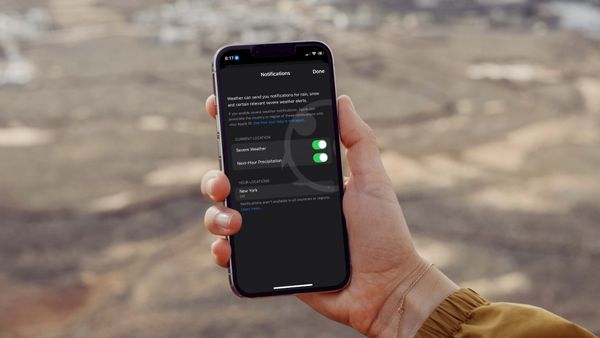
Did you know that you can enable severe weather alerts on iPhone to get instant notification for any extreme weather activity in your area?

Accessories
Here are the best screen protectors for iPhone 14 Pro you can buy, to protect the display against scratches, scuffs, drops, and impacts.
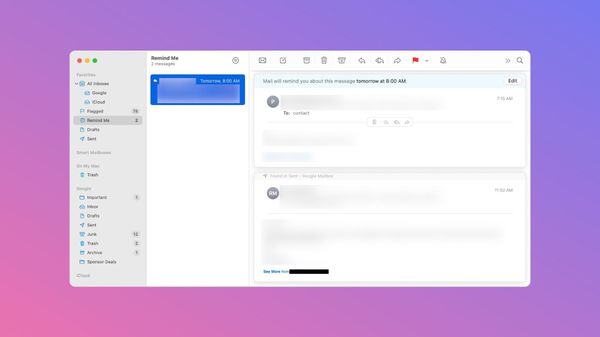
Snooze emails to get reminded later in Mail!
iOS 16
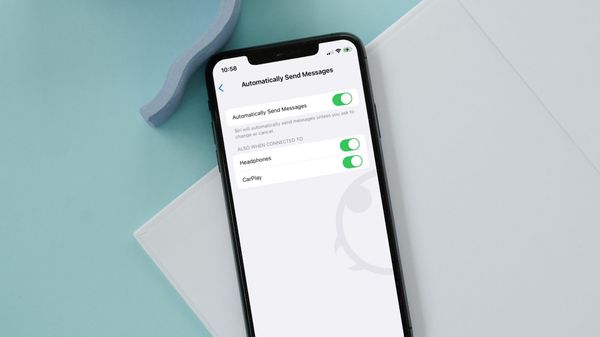
Sending messages using Siri on iPhone has become even more streamlined with iOS 16.
Reminders
iOS 16 allows you to show overdue items in Reminders badge count.
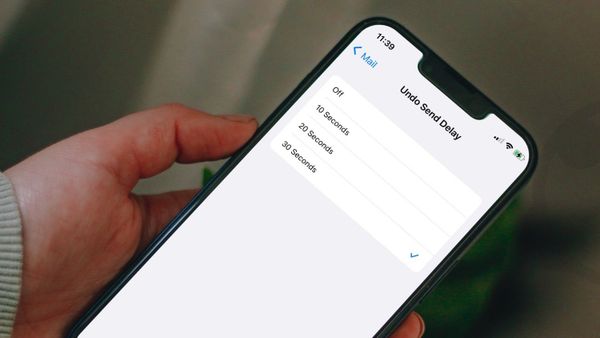
Set the Undo Send delay time in Mail to 30 seconds to get more time to cancel your outgoing emails.
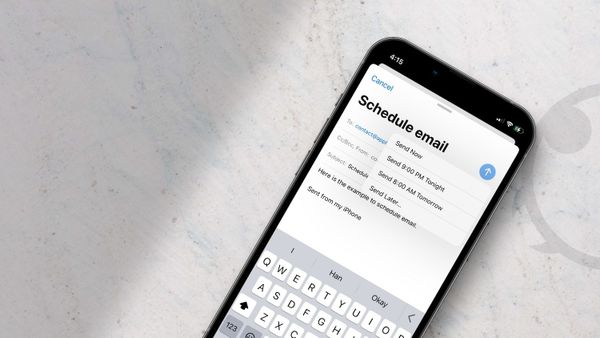
Want to schedule emails on iPhone? Here is how you can schedule emails on iPhone and send them later using the default Mail app.
macOS Ventura
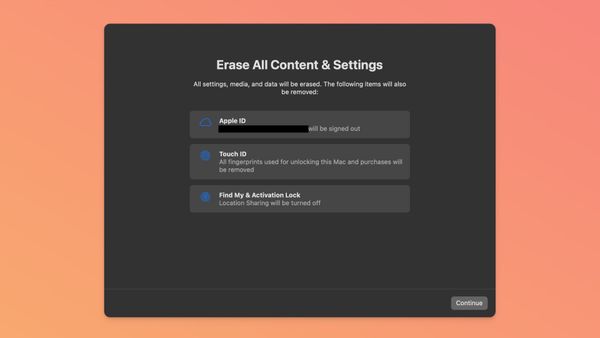
Whether you want to sell your Mac or want to give it a fresh start, here’s how you can reset your Mac in macOS 13 Ventura.
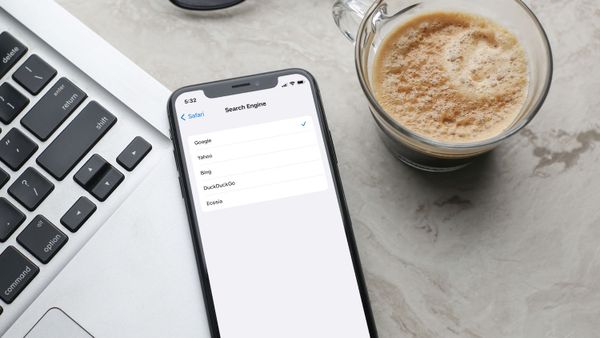
Safari
Here is how you change search engine in Safari and use DuckDuckGo, Ecosia, Yahoo, or Bing as the default search engine.

Accessories
Here are the best screen protectors for iPhone 13 mini you can buy in 2022.
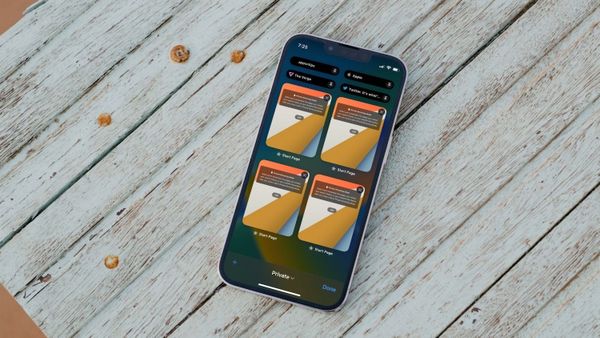
Safari
We are going to show you how you can pin tabs in Safari to easily access them.