Photos
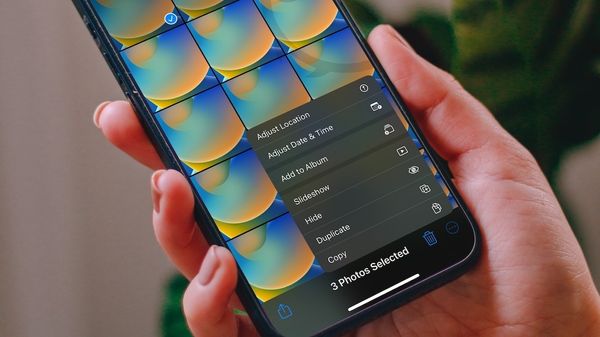
Unable to Find the Hide Photo Button on iPhone - Fix
Can’t find hide photo button on iPhone to hide photos? Here is how you can hide photos on iPhone in iOS 16.

Photos
Can’t find hide photo button on iPhone to hide photos? Here is how you can hide photos on iPhone in iOS 16.
iOS 16
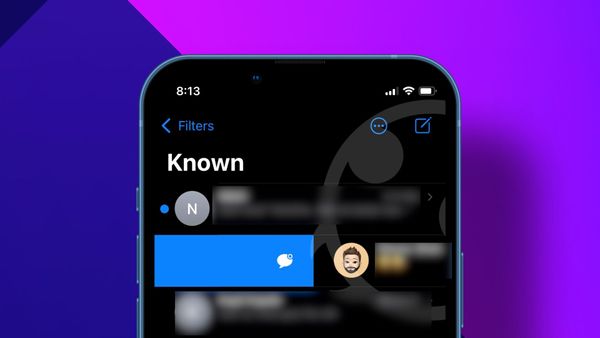
iOS 16 allows you to mark messages as unread on iPhone so you can deal with them later.
Logseq
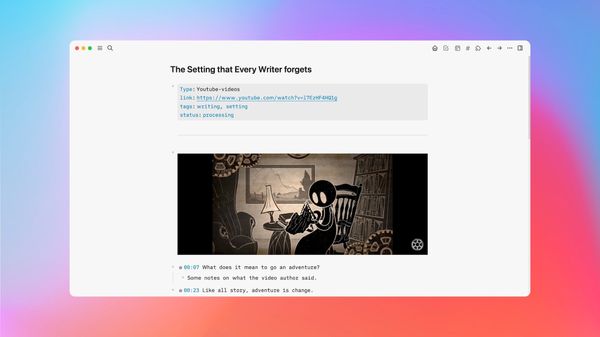
Use Logseq to take organized notes on YouTube Videos with corresponding timestamps for reference in the future.
iPhone
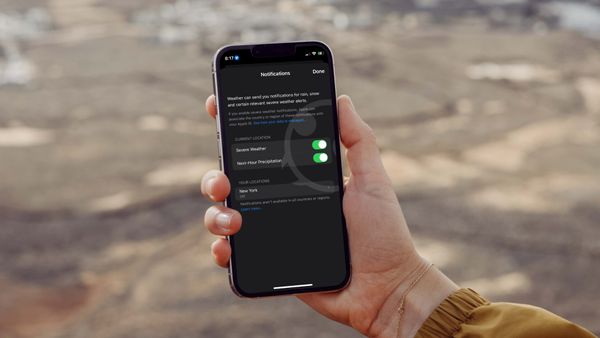
Did you know that you can enable severe weather alerts on iPhone to get instant notification for any extreme weather activity in your area?
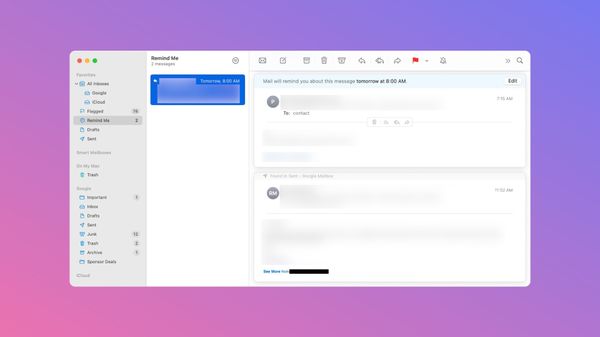
Snooze emails to get reminded later in Mail!
Reminders
iOS 16 allows you to show overdue items in Reminders badge count.
Guide
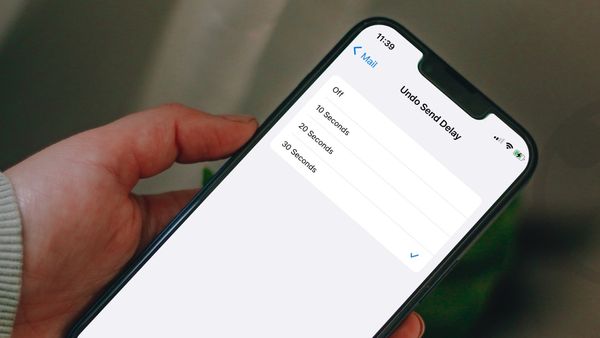
Set the Undo Send delay time in Mail to 30 seconds to get more time to cancel your outgoing emails.
Guide
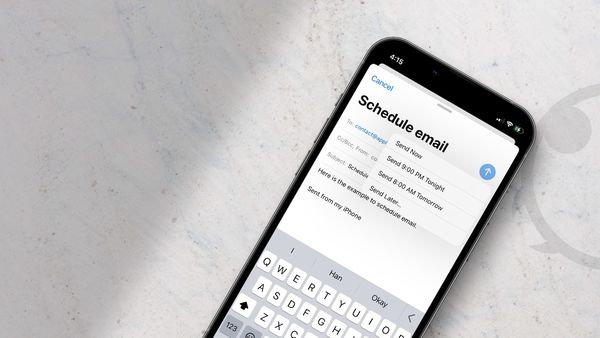
Want to schedule emails on iPhone? Here is how you can schedule emails on iPhone and send them later using the default Mail app.
Sponsored
Here is how you can manage your emails in Trello with Gmail by Cardbox.
Guide
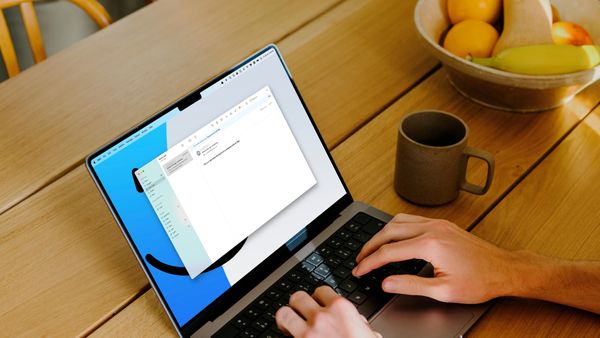
Learn how to schedule an email using the default Mail app on Mac.
Guide
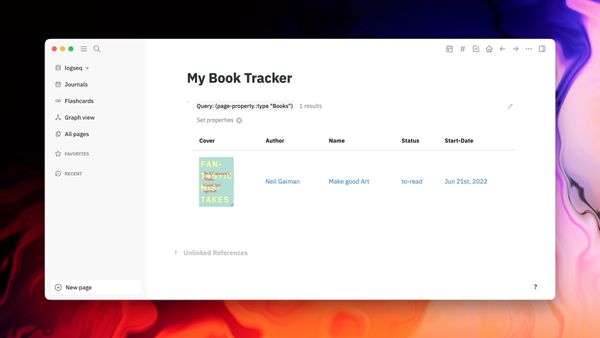
Here is how you can create a book tracker in Logseq to keep track of the books you read.
Reminders
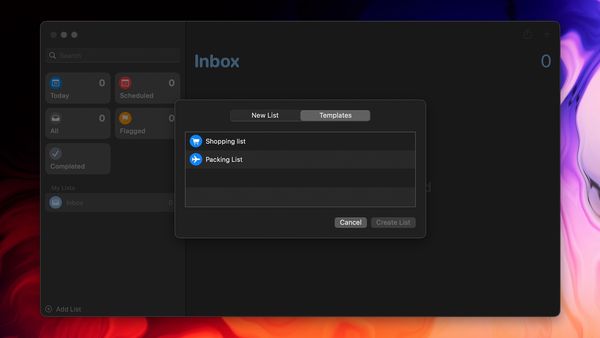
Here is how you can use the new template list feature in Reminders on iPhone and iPad to create a reusable list.