iOS 16
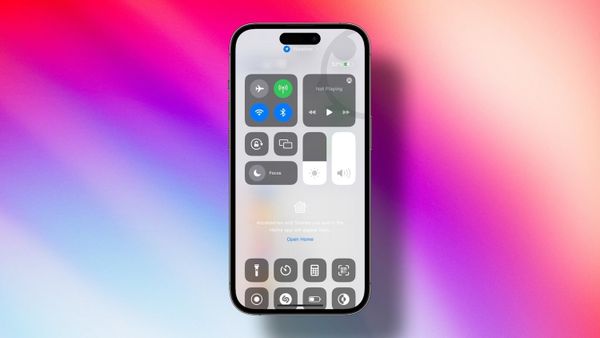
How to Remove Home Controls from Control Center on iPhone
Annoyed by the new Home Controls section in Control Center? Here is how you can remove Home Controls from Control Center in iOS 16.

Rachit is a tech journalist with over 10 years of experience covering consumer tech, specializing in Apple, AI, E Ink, and productivity. He writes stories that help people use their devices with confidence and enjoy the technology they own.

iOS 16
Annoyed by the new Home Controls section in Control Center? Here is how you can remove Home Controls from Control Center in iOS 16.
Accessories
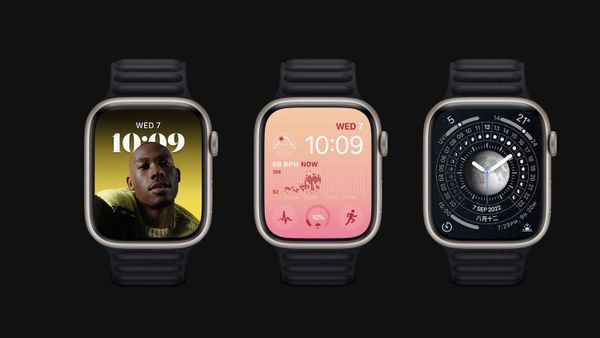
Here are the best Apple Watch Series 8 cases with screen protectors you can buy to protect the Apple Watch against drop and impacts.
Accessories
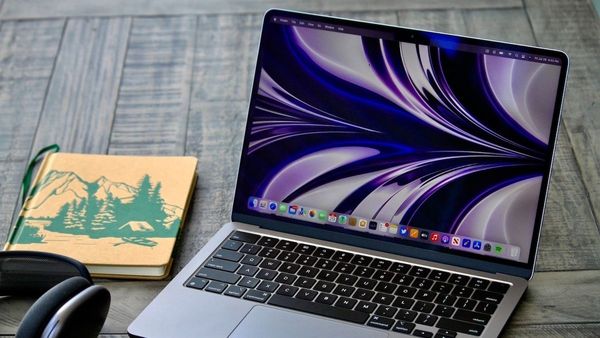
Here are the best desk stands for MacBook Air M2 you can buy. List includes travel-friendly stand, height-adjustable stand, clamshell mode stand.
iOS 16
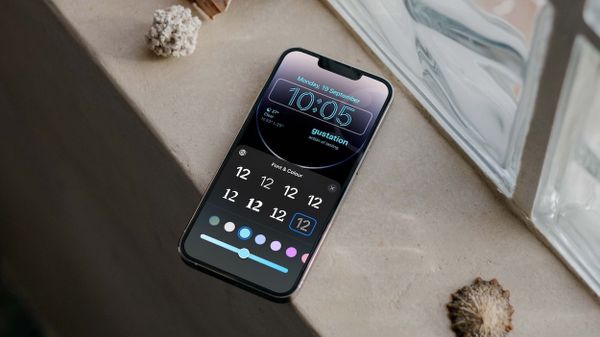
With the iOS 16 update, you can now change the font and time color of Time widget on Lock Screen. Here is how you can do it.
iOS 16
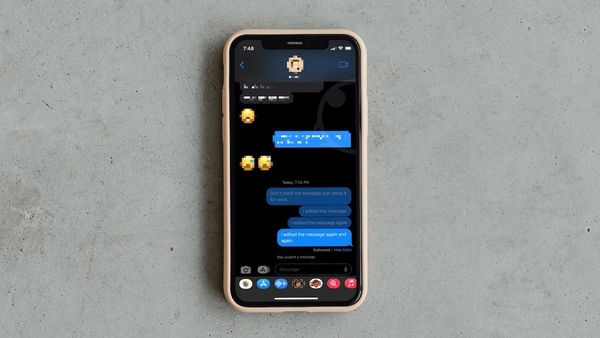
Here is how to view iMessage edit history on iPhone in iOS 16.
iOS 16
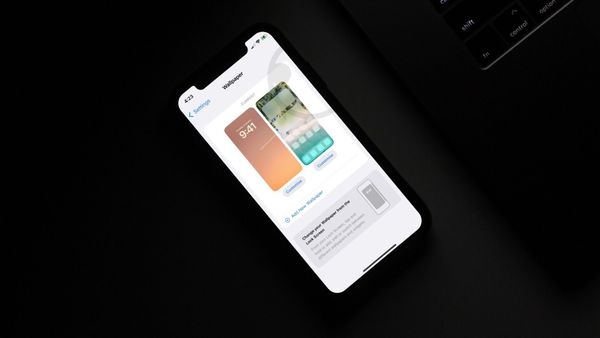
Learn how you can set different Home Screen and Lock Screen wallpapers in iOS 16.
iOS 16
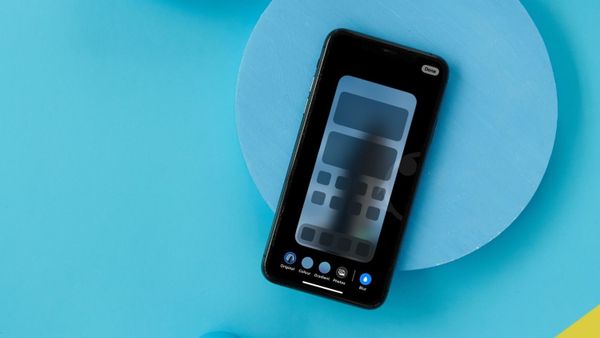
iOS 16 automatically blurs the Home Screen wallpaper for better legibility. If you disapprove, here is how to disable home screen wallpaper blur.
iOS 16
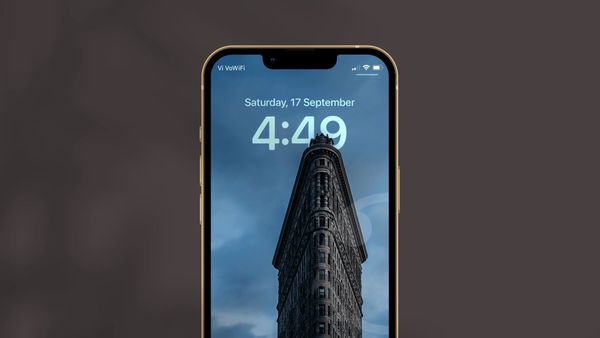
Depth effect wallpaper not working on your iPhone? Here is how you can get the depth effect wallpaper working in iOS 16.
iOS 16
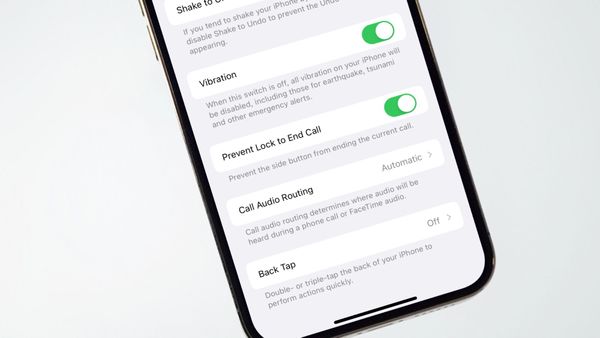
Do you hate it when pressing the Side button or power ends the call? Here is how to stop Side Button from ending calls.
Accessories
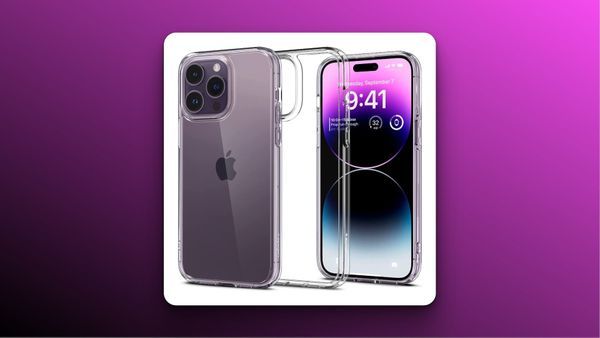
Here are the best clear cases for iPhone 14 Pro Max to buy. Find both MagSafe compatible and fully crystal clear case.
iOS 16
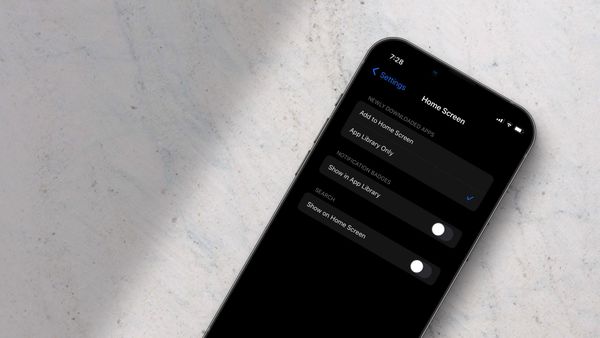
The Home Screen search button in iOS 16 is redundant if you are happy with the pull-down to search function on your iPhone. Here is how you can remove the search button.
iOS 16
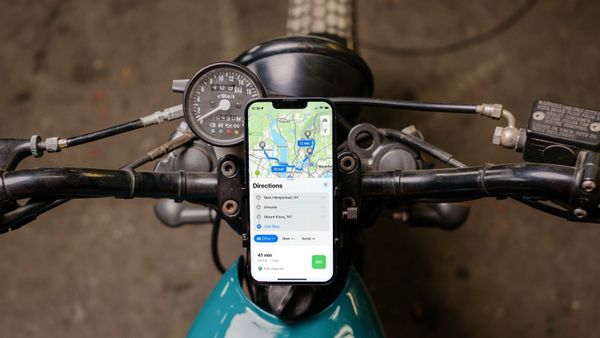
Apple Maps is getting a new multi-stop routing feature with iOS 16 update. You can now add multiple stops to plan your trip and save a lot of time.