
Luminar Neo's Spring Update Brings Bokeh AI, Smarter Skin Tools, and Better Portrait Editing
From background blur to seamless masks, Luminar Neo's Spring Update gives you more creative control with less effort.
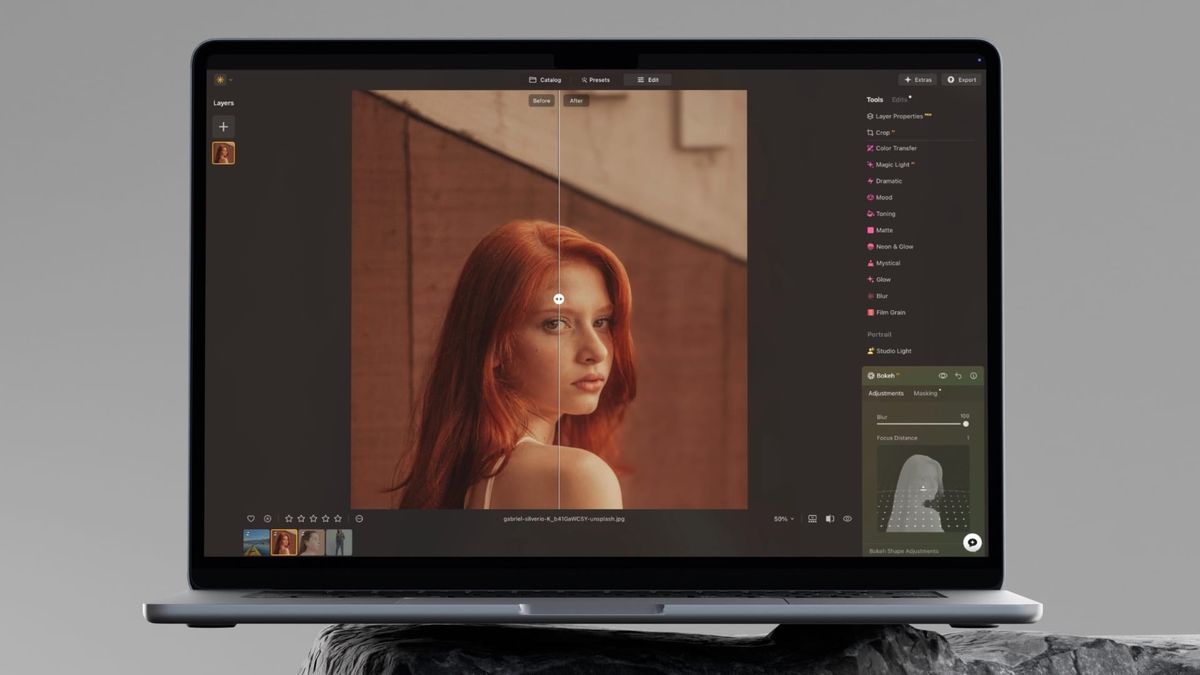
Luminar Neo is one of the best photo editing apps you can get for your Mac. We covered the Winter 2026 update earlier this year, and Skylum is already back with another meaningful set of improvements for Spring 2026.
This time, the focus is squarely on portraits and creative depth control. Four tools have been updated or introduced: Bokeh AI, Skin AI, Face AI, and Mask Feather. Each one targets a specific frustration photographers run into, and all of them are designed to get you to a great result faster.
Here's everything new you get with Luminar Neo's spring update.
Table of Contents
Bokeh AI
Bokeh AI was previously called Portrait Bokeh, and the rename signals a meaningful change in scope. The tool used to be limited to portraits. Now it works on objects too, which opens up a lot of creative possibilities for product photography, still life, and really any shot where you want to separate a subject from a busy background.
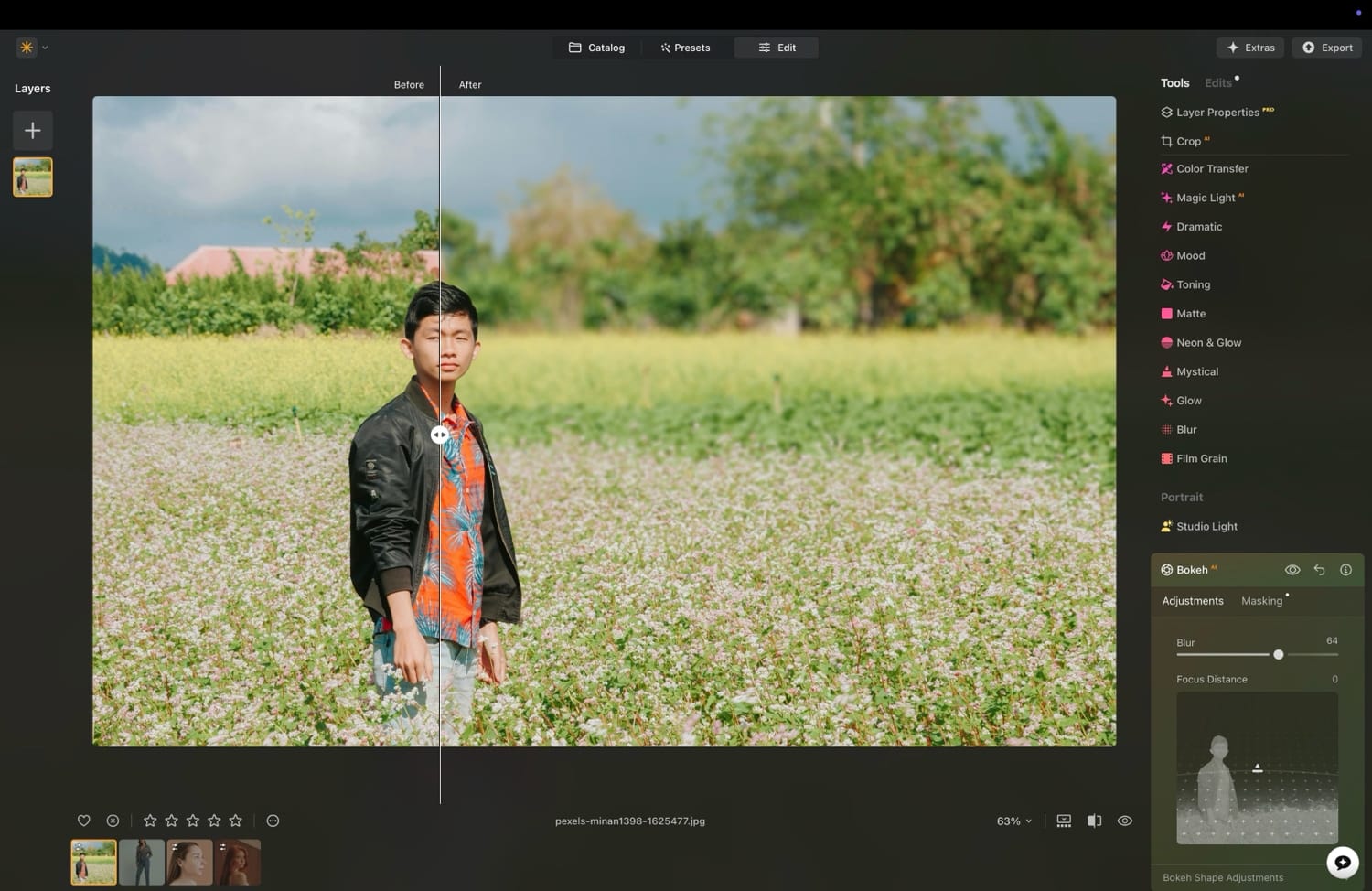
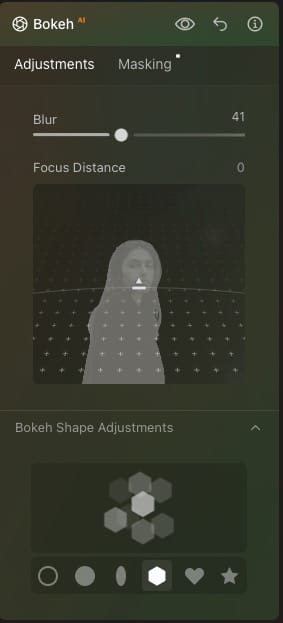
The way it works is straightforward. You adjust the Blur slider, and the tool automatically generates a mask separating the foreground from the background. From there, you control the Focus Distance to set where the sharpness sits in the image.
You can also pick a Bokeh Shape to influence how the background blur actually looks. I love that you can change the bokeh ball pattern. You can choose between circle, oval, star, and more.
The result is a convincing depth-of-field effect that used to require an expensive lens or a very specific shooting setup. Now it's an editing decision, not a capture decision, and that is a genuinely useful shift.
I would still recommend capturing bokeh in camera if possible. The tool isn’t intended to replace that; rather, it gives photographers more flexibility to experiment with their shots.
Skin AI
Skin AI has been one of the more practical tools in Luminar Neo, but it previously offered only two controls. The Spring Update expands it significantly. You now get four dedicated sliders: Face Skin Smoothing, Body Smoothing, Shine Removal, and a brand-new Blemish Removal tool.
I love the Blemish Removal tool. You don’t always have a makeup artist on hand to create the perfect look. This tool allows me to remove pimples, freckles, and other skin imperfections with ease.
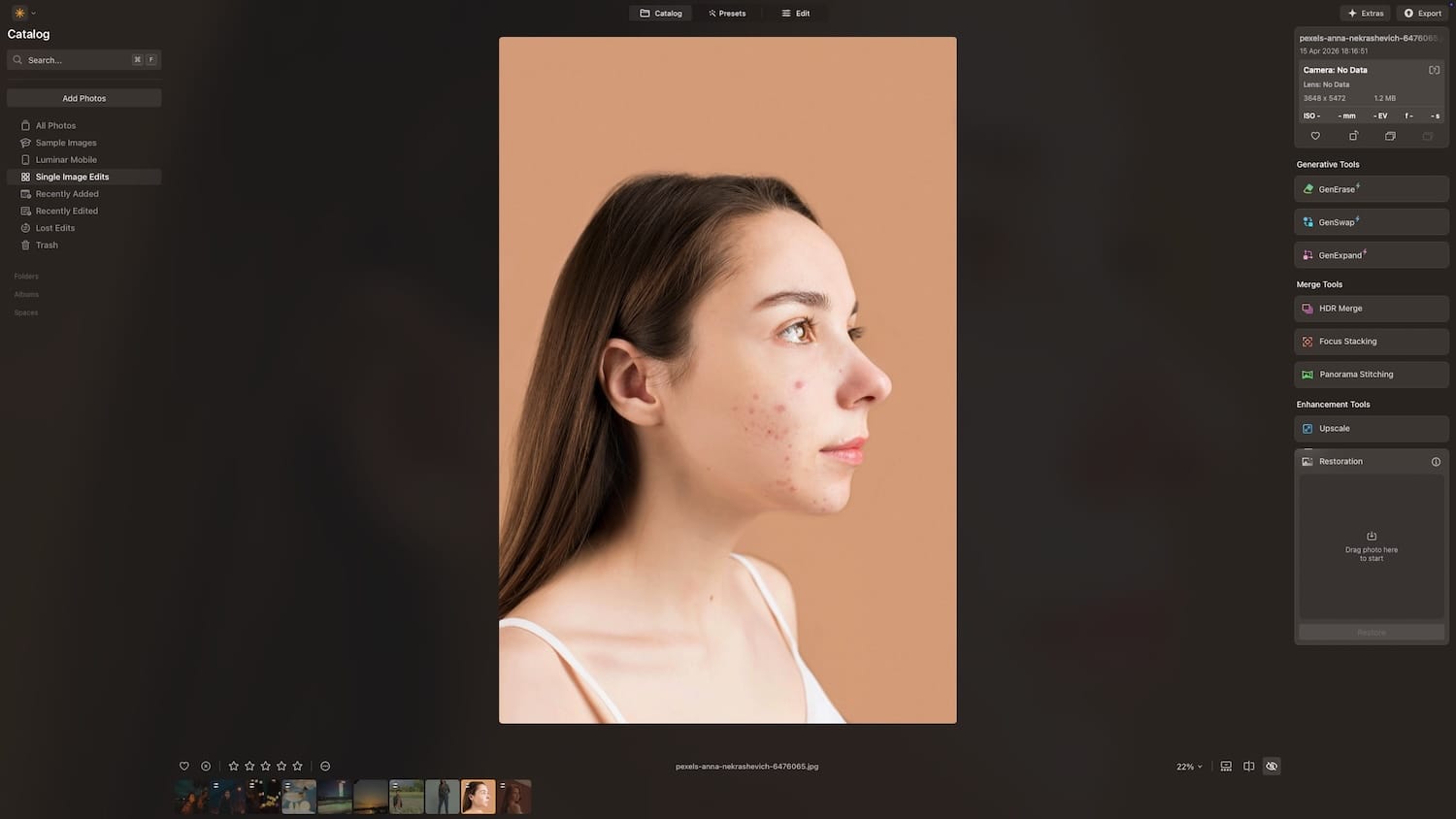
I don’t have to spend hours masking every single spot individually. The AI does the task for me with a simple slider. It’s also really good at it. You don’t see any weird artifacts or excessive skin smoothing. You can control how much of the original skin texture you want to retain. It performs on par with Skylum’s Aperty portrait photo editing app.
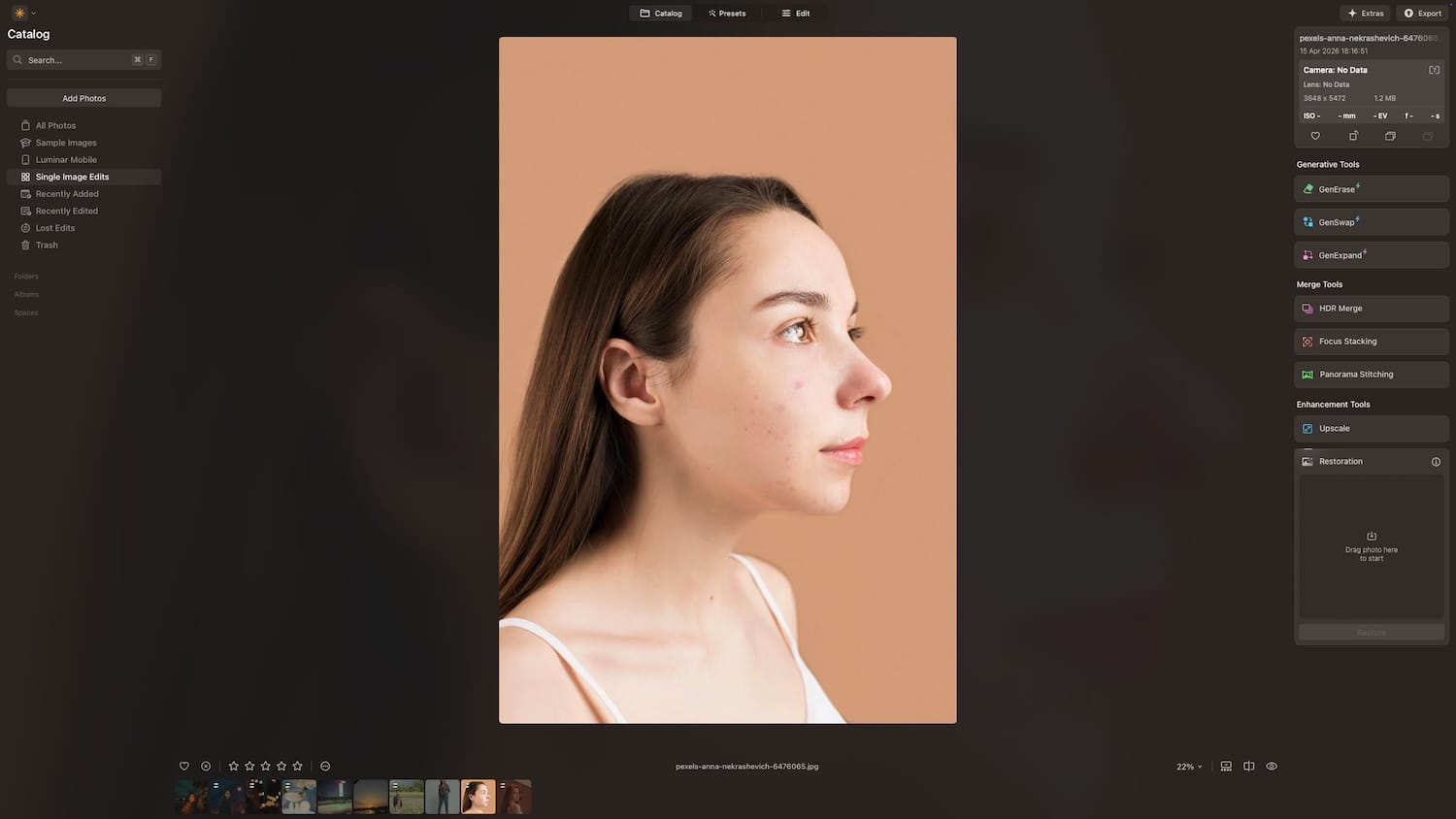
The Body Smoothing addition is also a notable change here. Skin retouching used to apply mainly to the face, which meant portraits with visible arms, shoulders, or hands could look inconsistent after editing. Body Smoothing addresses that directly, so the entire image gets a more even treatment.
I also love that you can copy and paste adjustments from one image to another. You can even paste your adjustments to multiple images at once, which can save a ton of time when batch editing photos.
Face AI
Face AI has received one key improvement: better Dark Circles Removal. Dark circles are one of those things that are easy to overdo in editing. Reduce them too much, and the face starts looking unnatural.
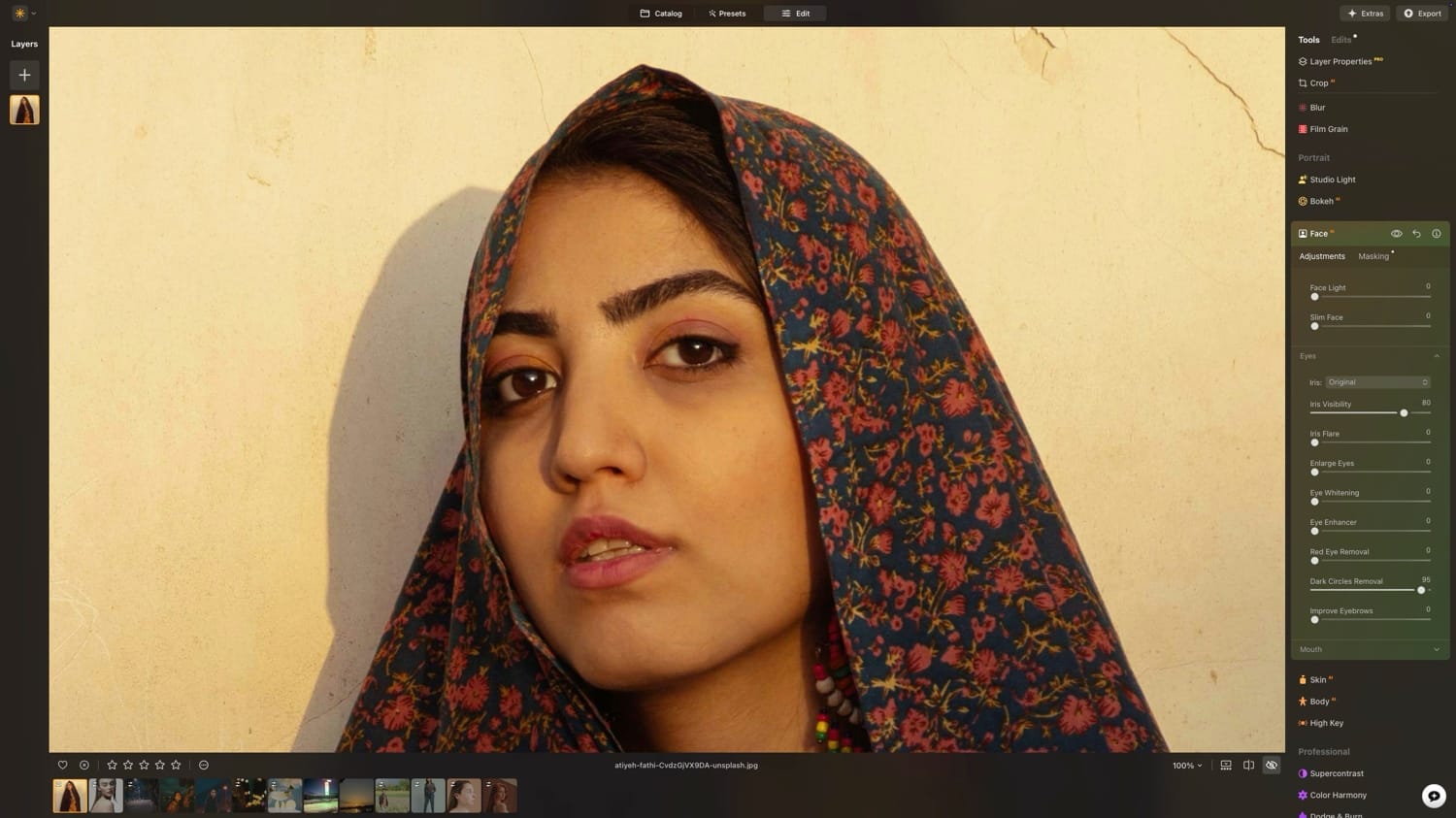
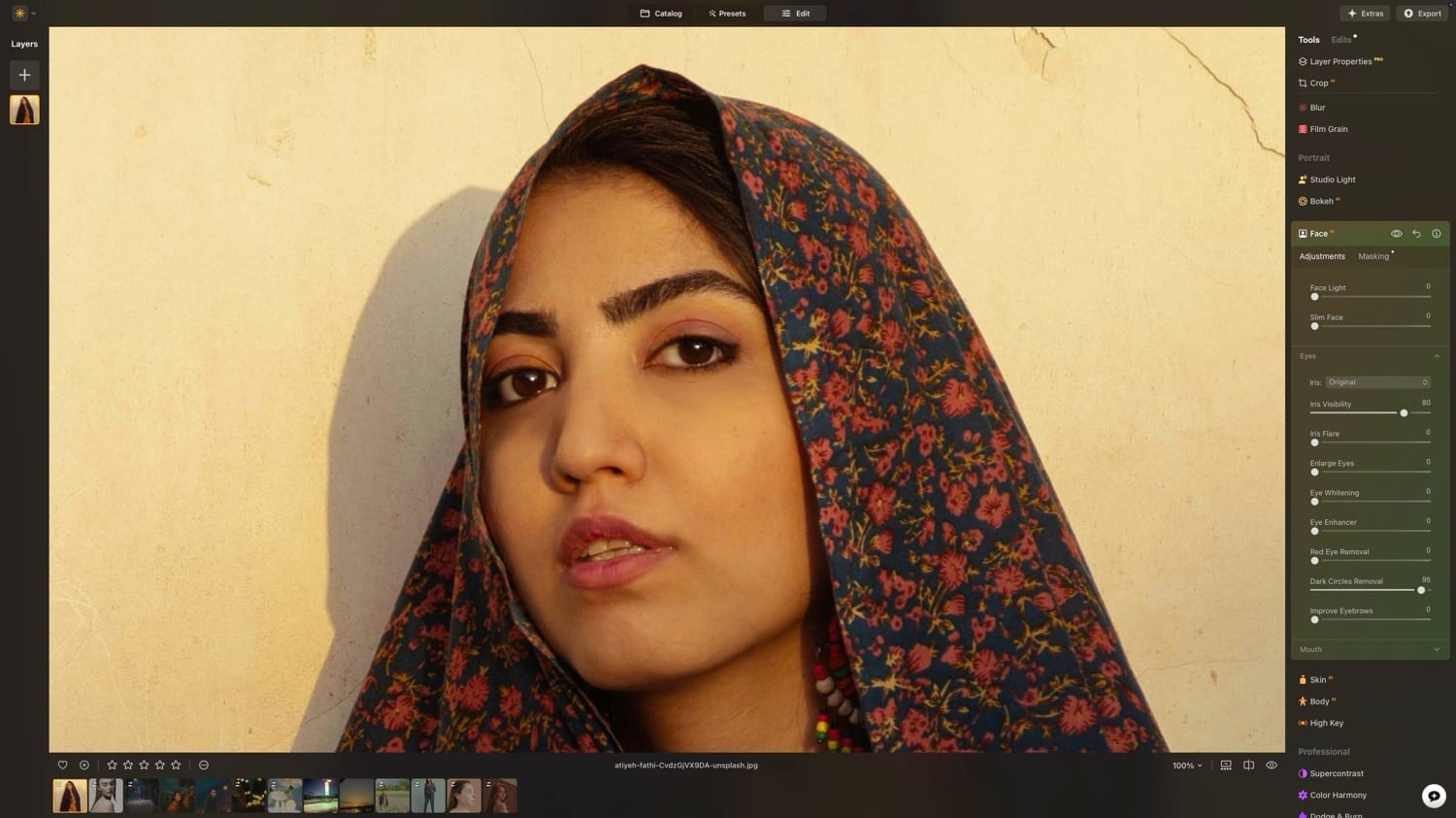
Left - Original / Right - Edited
The previous version of the tool was functional, but the Spring Update delivers smoother, more consistent results that are harder to spot as edited. The rest of Face AI remains intact, including Face Light, Eye Enhancer, Eye Whitening, Slim Face, and Eyebrow enhancement.
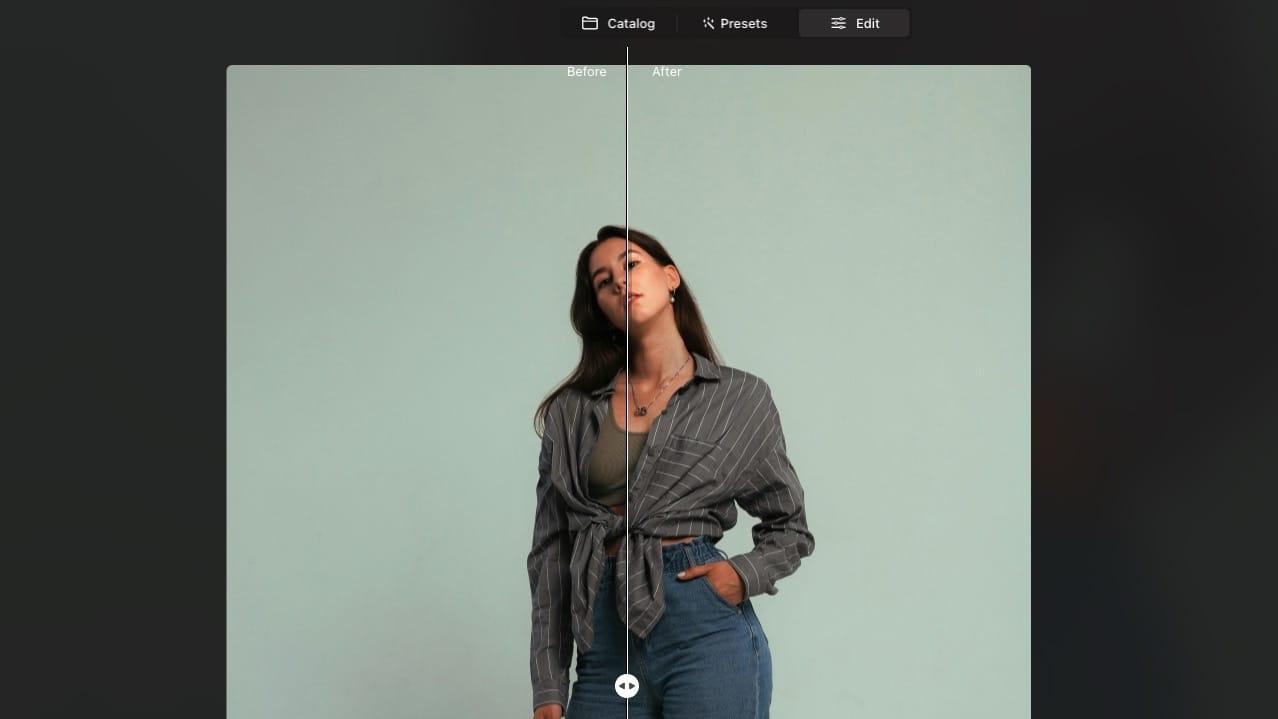
These tools still work across different angles and multiple faces in a single shot, which is useful for group portraits.
Mask Feather
Masking is where edits fall apart. You spend time getting a precise selection, apply your adjustment, and then there's a hard visible edge that makes the whole thing look fake. Mask Feather is Luminar Neo's answer to that problem.
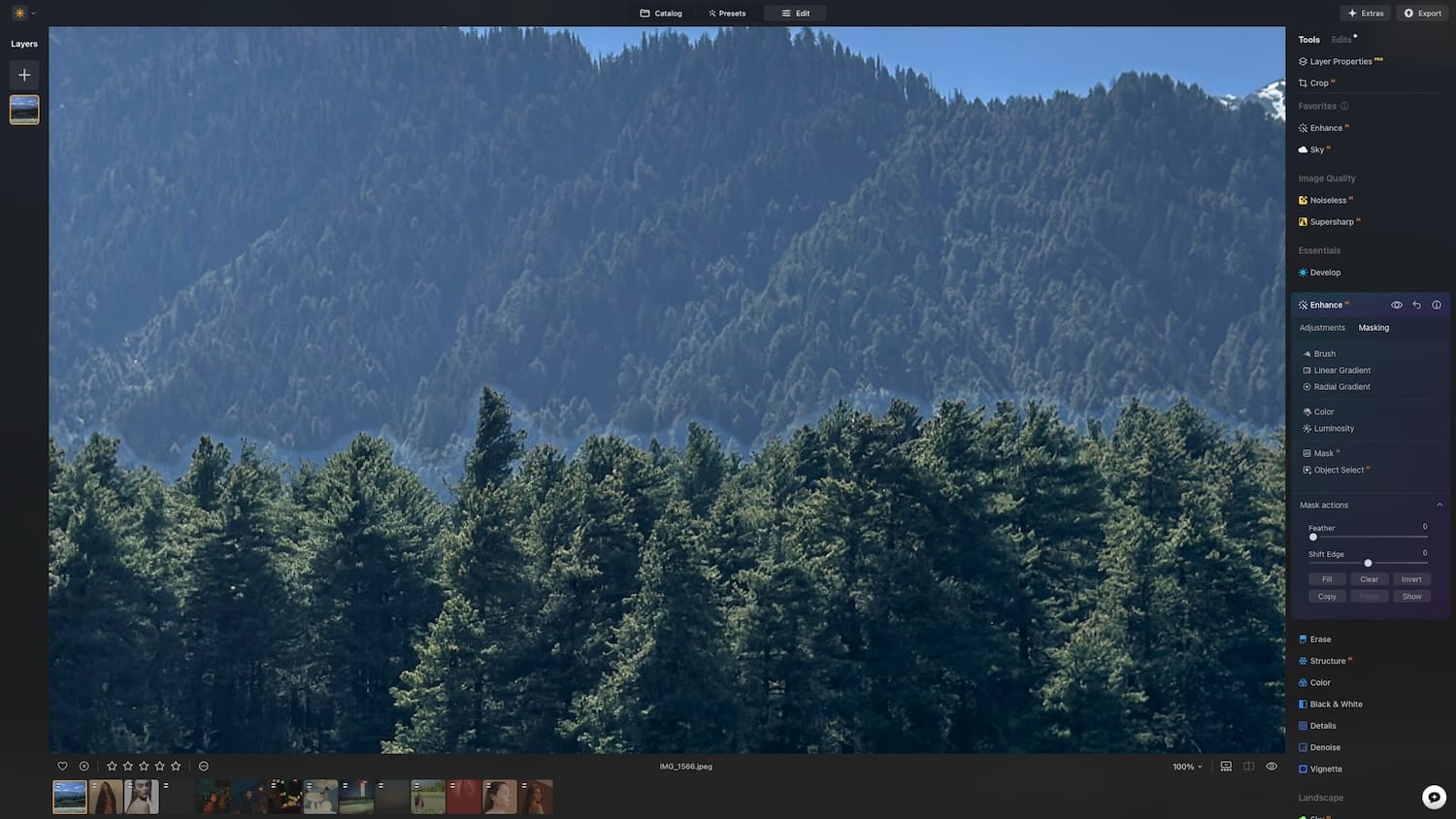
It adds two controls to your masking workflow. The Feather slider softens the edge of your mask, creating a gradual transition between the edited area and the rest of the image. Shift Edge lets you expand or contract the mask boundary, so you can fine-tune exactly where the effect starts and stops.
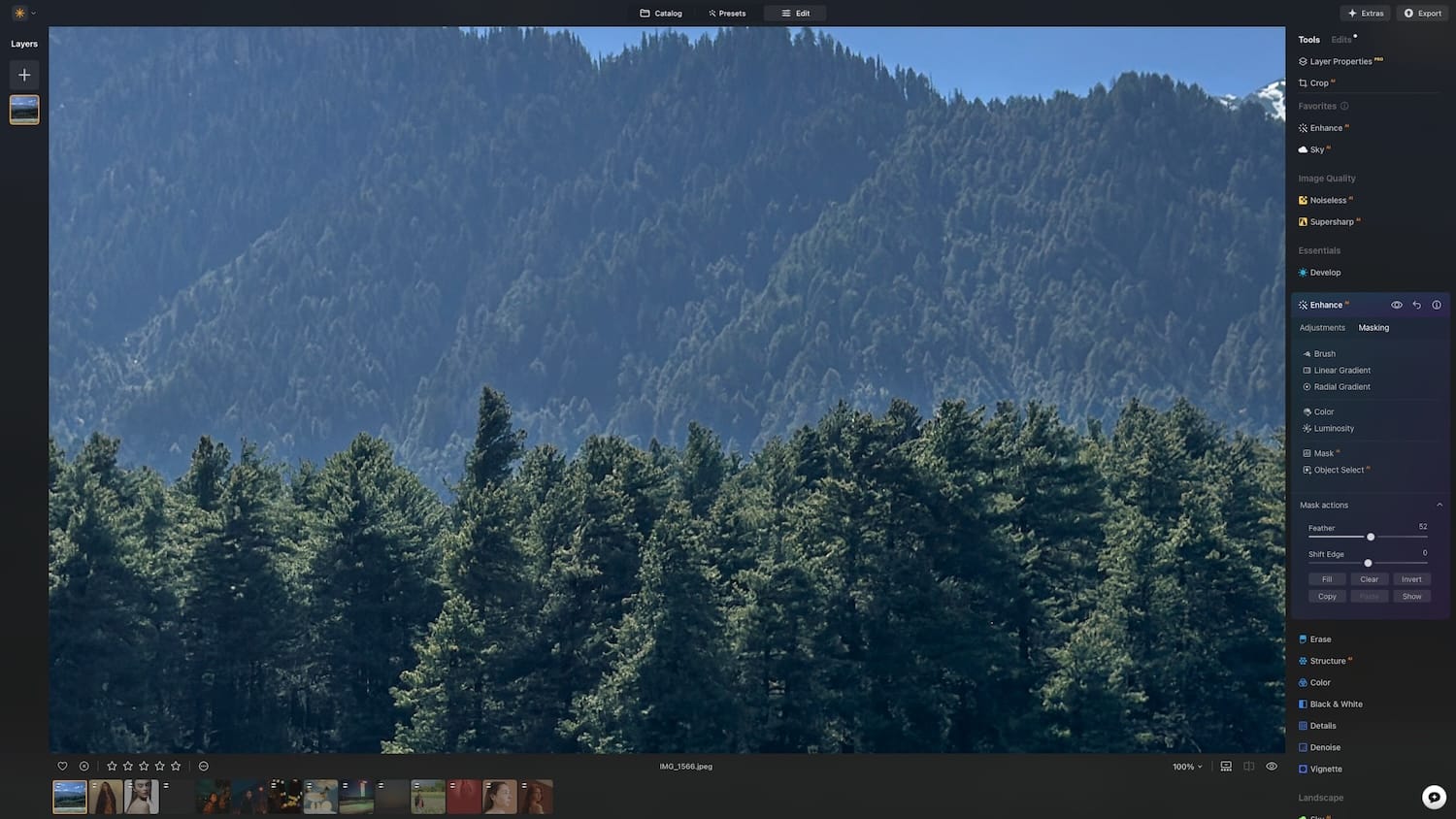
It is the kind of feature that sounds small but makes a meaningful difference in how finished your edits look.
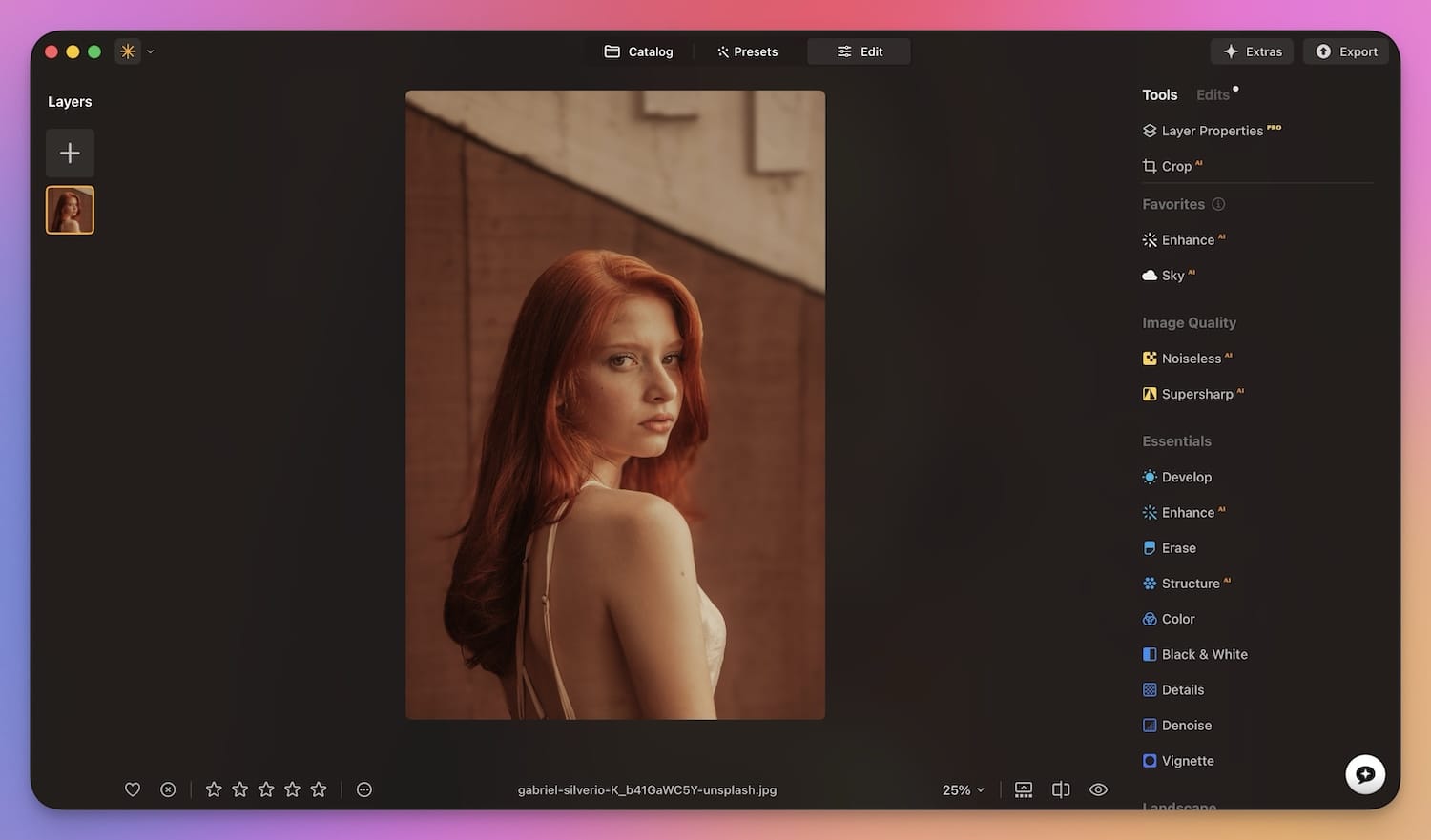
Luminar Neo has just released its Spring update. Use the link below to grab the app and get features like:
- Bokeh AI
- Skin AI
- Face AI
- Mask Feather
Use our discount code APPSNTIPS10 to get extra 10% off your purchase.
Should you upgrade?
If you are already using Luminar Neo, this update is free and worth installing for Bokeh AI alone. The expanded Skin AI is a genuine quality-of-life improvement for anyone doing regular portrait work, and Mask Feather quietly fixes one of the more persistent annoyances in the editing workflow.
If you have not tried Luminar Neo yet, the Spring Sale makes this a good time to jump in. The app continues to strike a balance between being approachable for beginners and capable enough for photographers who want real control over their edits.