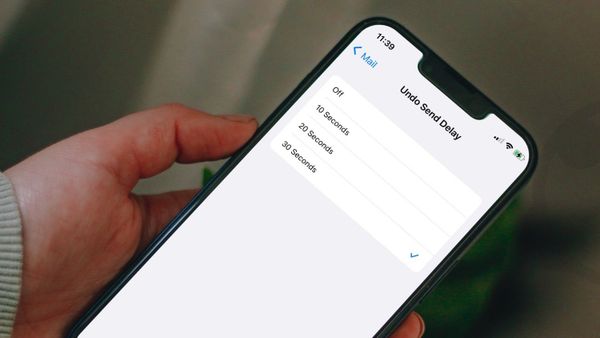
How to Increase Undo Send Delay Time in Mail on iPhone and Mac
Set the Undo Send delay time in Mail to 30 seconds to get more time to cancel your outgoing emails.

Set the Undo Send delay time in Mail to 30 seconds to get more time to cancel your outgoing emails.
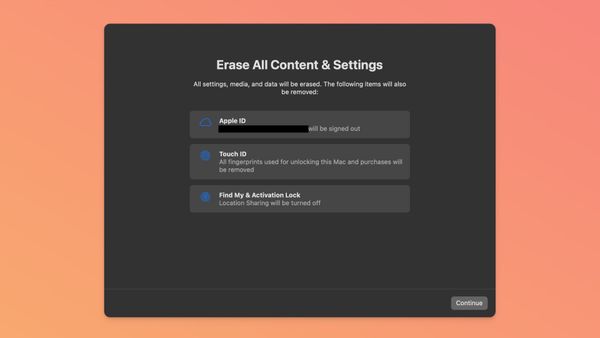
macOS Ventura
Whether you want to sell your Mac or want to give it a fresh start, here’s how you can reset your Mac in macOS 13 Ventura.
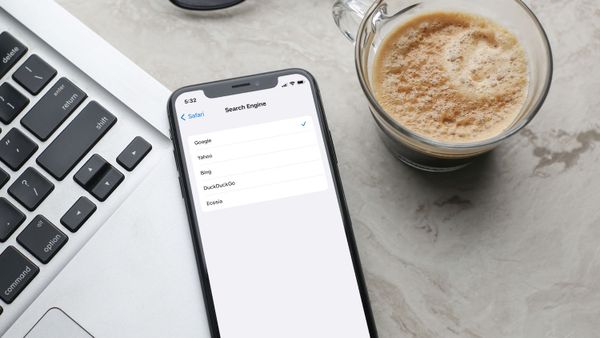
Safari
Here is how you change search engine in Safari and use DuckDuckGo, Ecosia, Yahoo, or Bing as the default search engine.

Mac
Like many other system-level settings in macOS Ventura, how you display a custom message on your Mac Lock Screen has also changed.
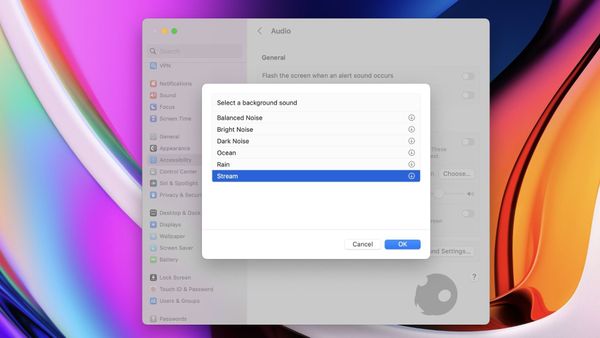
Mac
macOS Ventura comes with a new Background Sounds feature that allows users to play ambient sounds like rain, ocean, stream, white notes, and more for free.
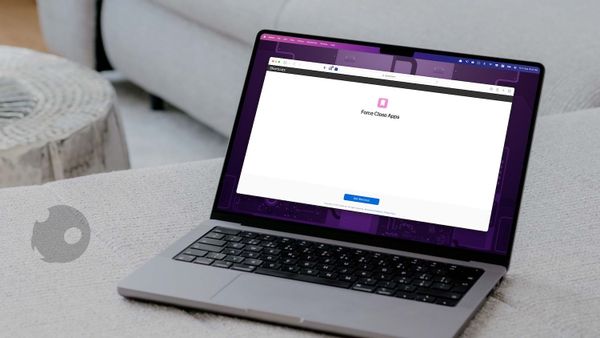
Shortcuts
How to force close all apps on Mac using Shortcuts with only one click.
Accessories
Here are the best sleeves for MacBook Air M2 you can buy to protect the laptop against scratches, scuffs, drops, and falls.
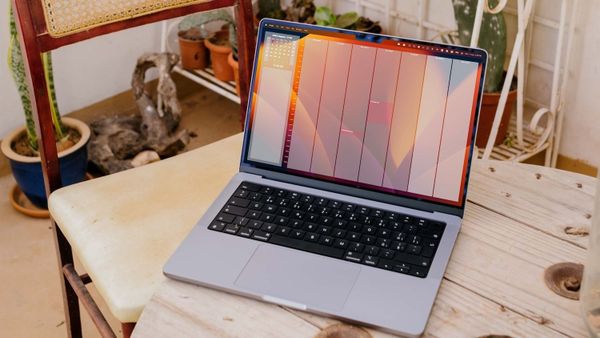
Mac
Here is how to add a calendar to the Mac desktop to keep tabs on your upcoming events and tasks.
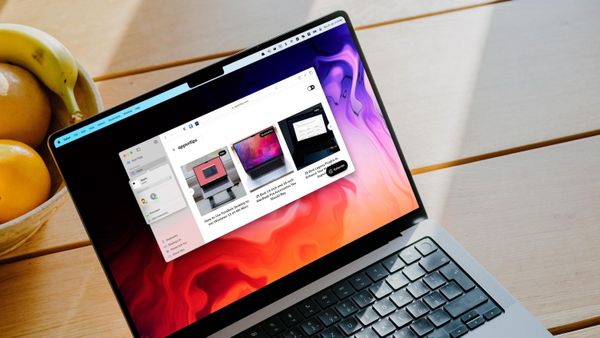
Mac
With macOS 13 Ventura and iOS 16 updates, Apple has made Safari Tab Groups sharable. Here is how to create and share Safari Tab Groups on Mac and iPhone.
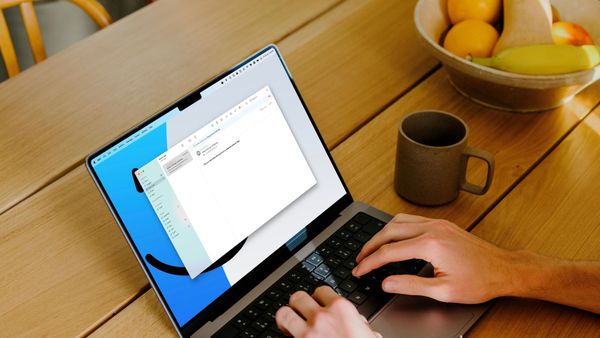
Learn how to schedule an email using the default Mail app on Mac.
Mac
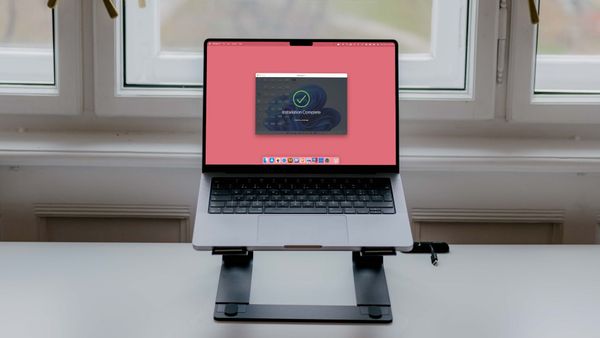
We have tested the latest version of Parallels Desktop 17 on our Macs, and the experience has been phenomenal. Here is how you can use Parallels desktop to run Windows 11 on M1 Macs.
Mac
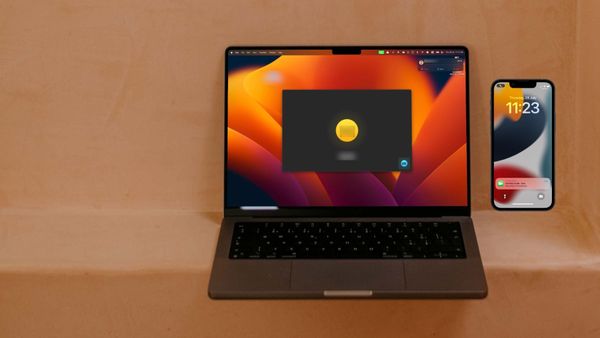
If you are on a FaceTime call on your iPhone, you can switch the call to your Mac and vice versa. Here is how to use FaceTime Handoff to swap calls between iPhone and Mac.