Guide
How to Disable Notifications in iPhone StandBy Mode
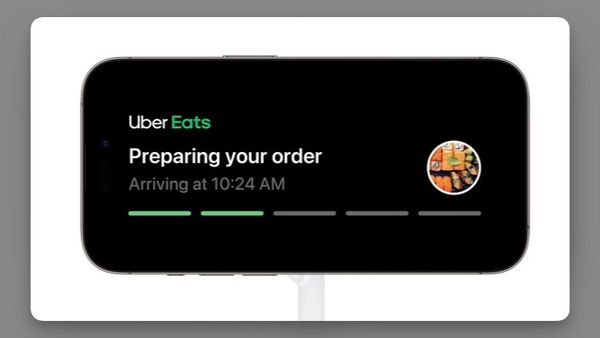
If you use your iPhone in StandBy Mode by your nightstand or while working, you can disable notifications in iPhone StandBy Mode.

I’ve spent over a decade writing about tech, creating guides, reviews, and stories that help people use their devices with confidence and enjoy the technology they own.

Guide
If you use your iPhone in StandBy Mode by your nightstand or while working, you can disable notifications in iPhone StandBy Mode.
Accessories
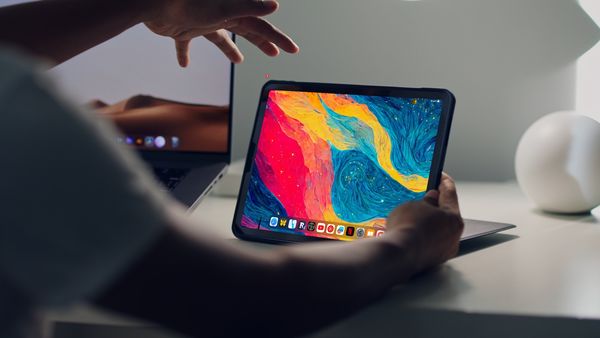
Here are the best iPad Pro stands you can buy in 2023. We have included affordable stands, docking station stand, and drafting stands.
iPad
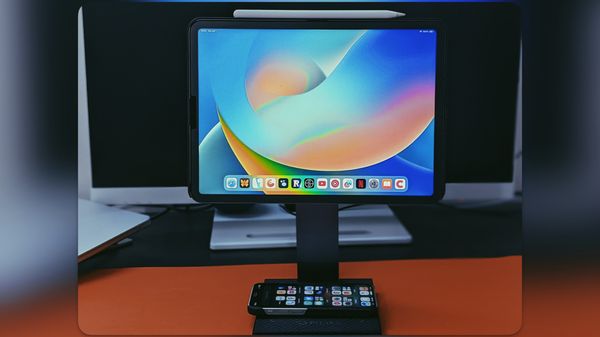
We have been using the PITAKA MagEZ Charging Stand for the past month, and in this review, we will show you why it’s one of the best iPad Pro stands you can buy.
Guide
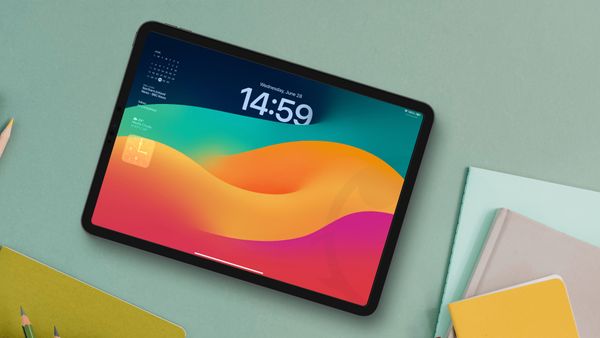
The latest iPadOS 17 update finally brings lock screen customizations on the iPad. Here's how to add widgets to iPad lock screen.
Guide
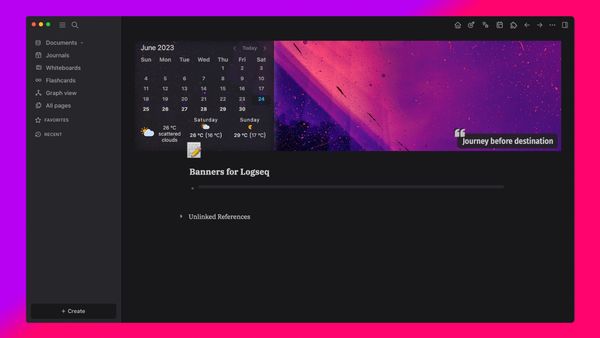
Here’s how to set page banners in Logseq to personalize and beautify your Logseq pages using the Banners for Logseq Plugin.
iOS 17
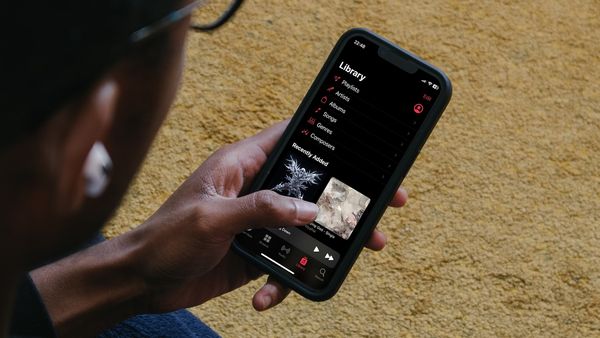
Here is how to enable crossfade in Apple Music to remove silence and enjoy seamless music streaming.
Guide
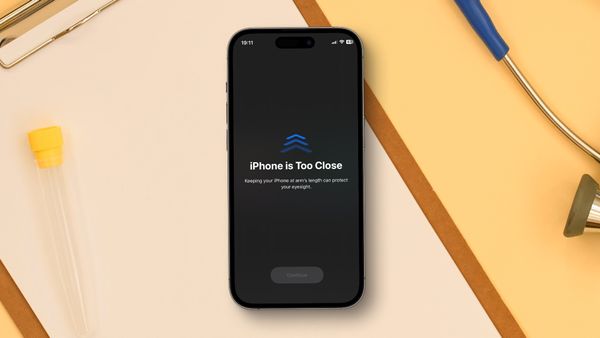
iOS 17 comes with a new feature that warns you when you get too close to the screen. Here is how you can protect your eyes with the Screen Distance feature in iOS 17.

Photos
Here is how to convert photos to PDF on iPhone for free using the native Photos app on iPhone.

Guide
In this guide, we will show you how to use the new Groceries list feature in Apple Reminders to auto-categorize your shopping items on iPhone and Mac.
Guide
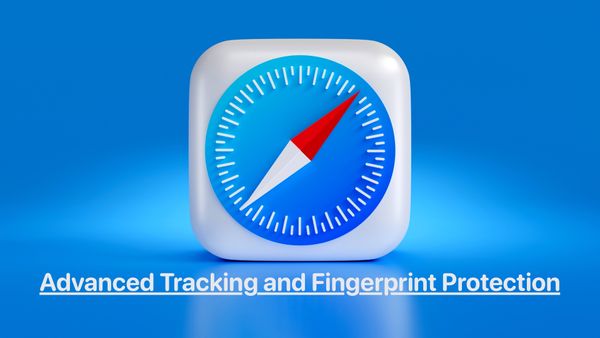
Enable Advanced Tracking and Fingerprint Protection in Safari to stop nefarious entities from creating your digital fingerprint and tracking your online activities.
iOS 17
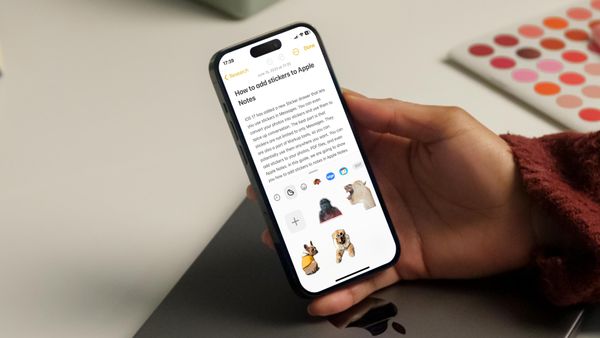
The iOS 17 sticker drawer feature is accessible in multiple apps. Here is how you can use it to add stickers to Apple Notes.
Safari
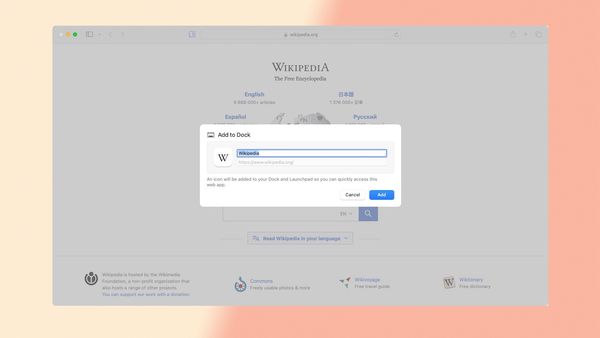
The latest macOS Sonoma update allows users to install Safari web apps on Mac. Here is how to use Safari web apps on Mac.