
Shortcuts
How to Force Close All Apps on Mac Using Shortcuts
How to force close all apps on Mac using Shortcuts with only one click.

Rachit is a tech journalist with over 10 years of experience covering consumer tech, specializing in Apple, AI, E Ink, and productivity. He writes stories that help people use their devices with confidence and enjoy the technology they own.

Shortcuts
How to force close all apps on Mac using Shortcuts with only one click.
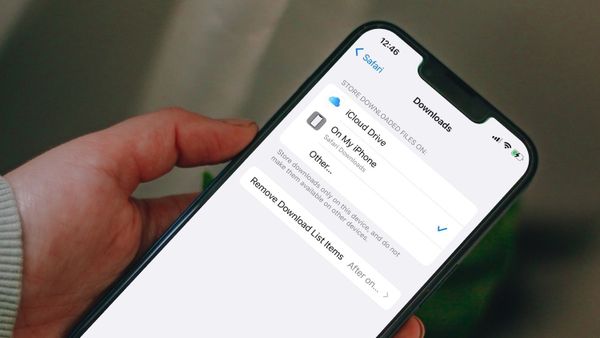
Safari
Here is how you can change the Safari default download location on iPhone and set a custom folder for storing Safari downloads.
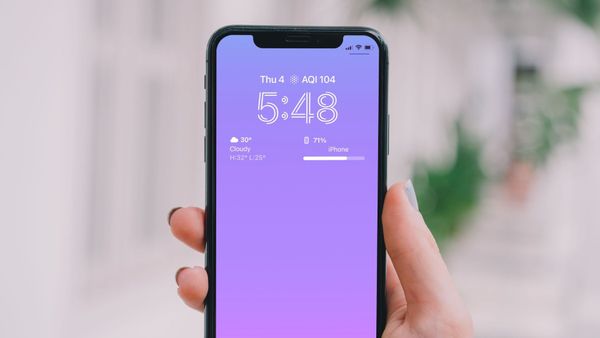
iPhone
Here is how you can display the iPhone battery percentage on the Lock Screen in iOS 16.
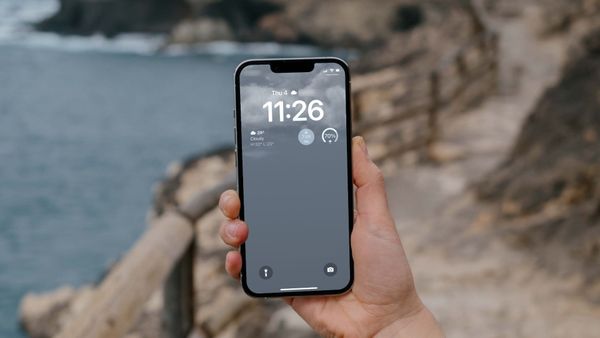
iPhone
Here is how you can set dynamic weather Lock Screen wallpaper on iPhone in iOS 16.

Accessories
Here are the best sleeves for MacBook Air M2 you can buy to protect the laptop against scratches, scuffs, drops, and falls.
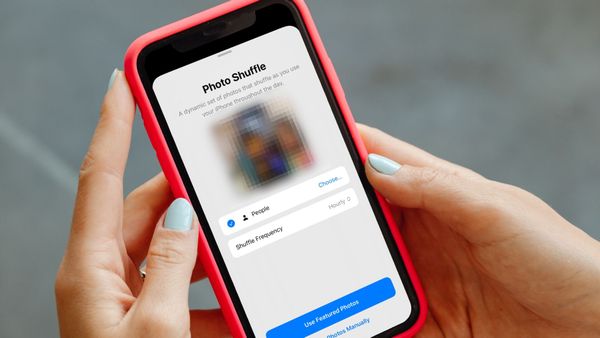
iPhone
Here’s how you can use the Photo Shuffle feature to automatically change your iPhone wallpaper.

iPhone
Using the Recently Deleted folder in iOS 16, users can recover deleted text messages and iMessage.

Mac
Here is how to add a calendar to the Mac desktop to keep tabs on your upcoming events and tasks.

Review
Ulysses is a markdown writing app for Mac that brings powerful features and distraction-free writing environment. Here, we review it and provide an in-depth tutorial.

Mac
With macOS 13 Ventura and iOS 16 updates, Apple has made Safari Tab Groups sharable. Here is how to create and share Safari Tab Groups on Mac and iPhone.
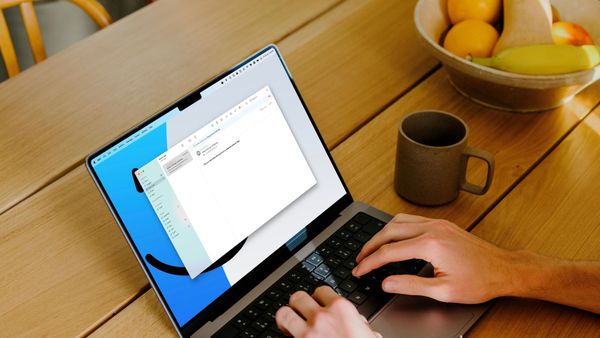
Learn how to schedule an email using the default Mail app on Mac.

iPhone
Here are top 4 ways you can use to create a timer on iPhone. Learn to create timers on iPhone using Clock app, Siri voice commands, Spotlight, and shortcuts.