iPhone
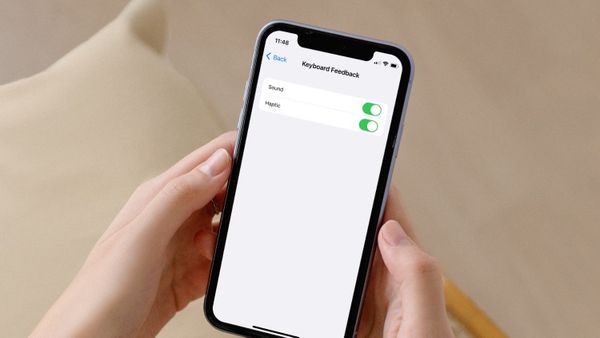
How to Disable or Enable Keyboard Haptics in iOS 16
Here is how you can disable or enable keyboard haptics in iOS 16 on iPhone.

Rachit is a tech journalist with over 10 years of experience covering consumer tech, specializing in Apple, AI, E Ink, and productivity. He writes stories that help people use their devices with confidence and enjoy the technology they own.

iPhone
Here is how you can disable or enable keyboard haptics in iOS 16 on iPhone.
Safari
Here are the best Safari extensions you can use to manage your passwords, highlight content, block ads, and do more to enhance your browsing experience.
iPhone
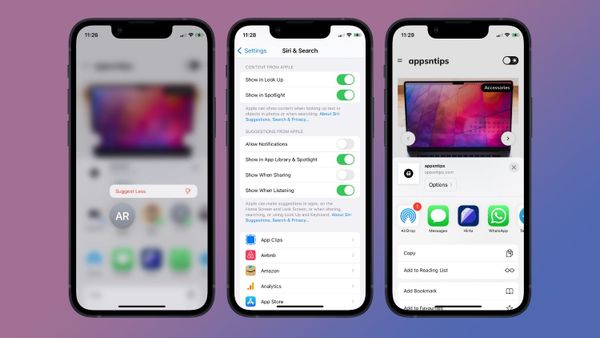
Here is how you can manage and remove Siri suggested contacts from Share Sheet on iPhone.

Accessories
Here are the best USB-C to Ethernet adapters for MacBook Pro you should buy.
Apps
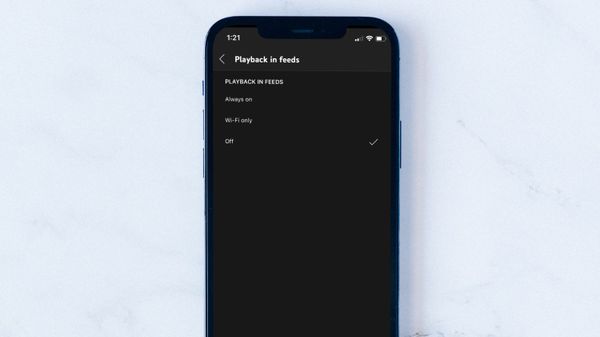
Here is how you can turn off YouTube thumbnail autoplay preview on iPhone and Mac to save mobile data.
Apps
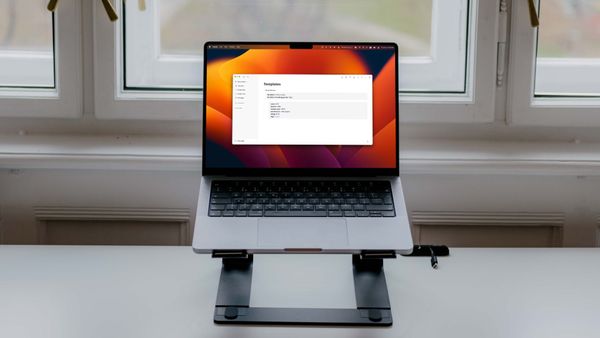
Here is how to create and use templates in Logseq. Learn about different types of templates and their benefits.
Accessories
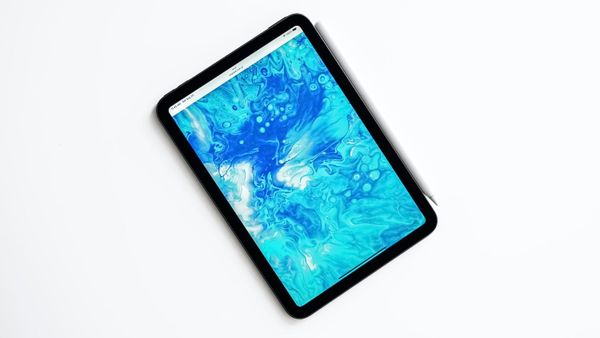
Here are the best iPad mini 6 cases with stand you can buy in 2022.
Mac
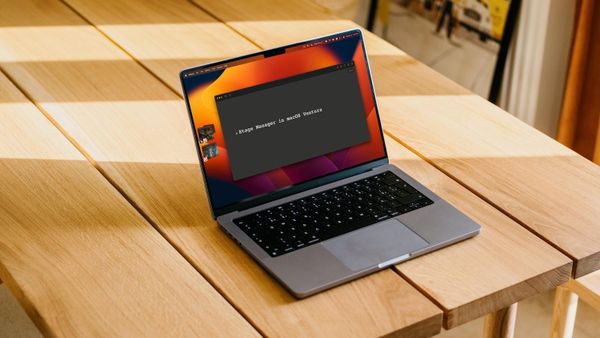
Here is how you can enable and use Stage Manager feature in macOS 13 Ventura and everything else you need to know about it.
macOS
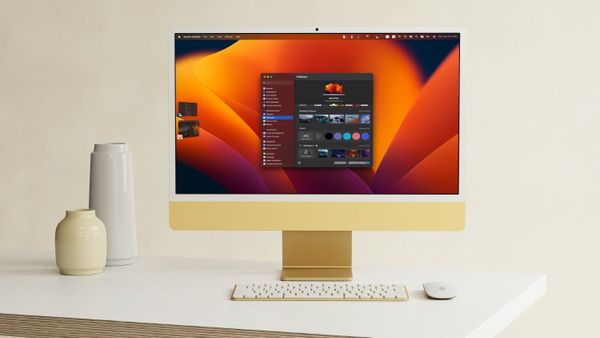
Here is how you can use auto-rotating or auto-changing wallpapers in macOS 13 Ventura.
macOS
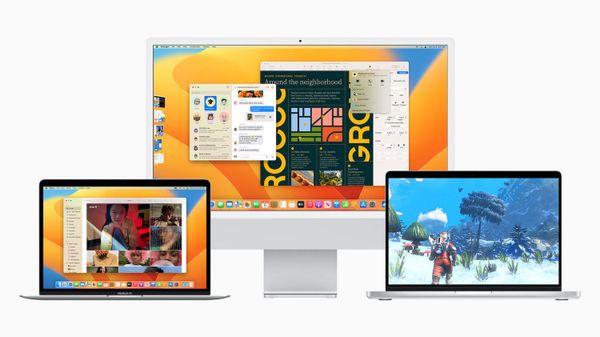
Here's everything new coming with the upcoming macOS 13 Ventura update.
Apps
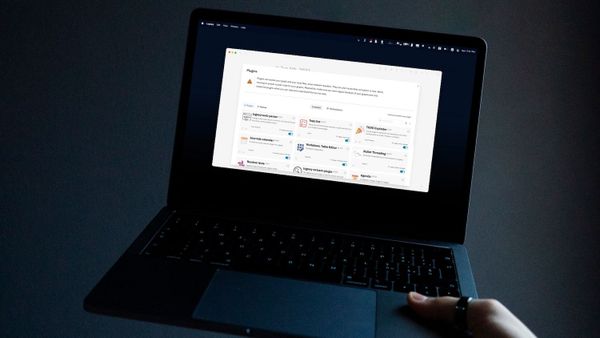
Here are the best Logseq plugins you can use to add more features and enhance your note-taking experience.
Reminders
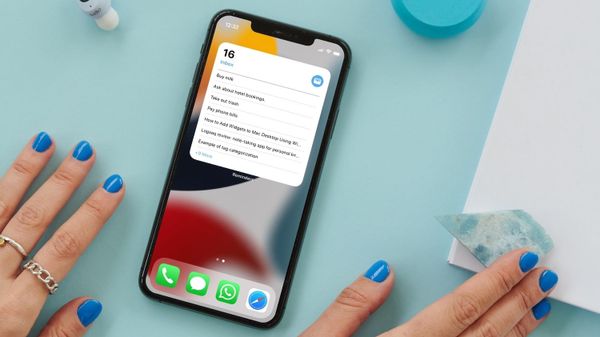
Here are the top 8 tips that you can use to get the most out of Apple Reminders app.