iOS
iOS 13 Hands-On: Best iOS 13 Features Coming to Your iPhone
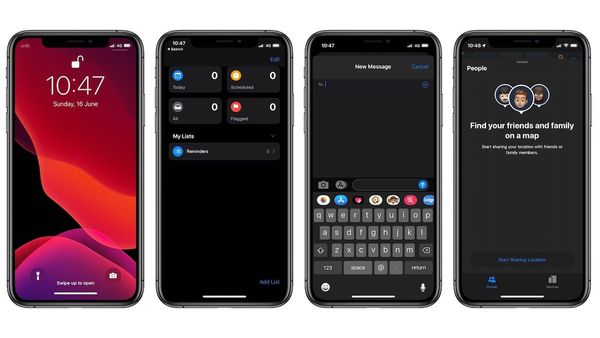
iOS 13 is here and here is my hands-on overview of iOS 13 listing the best iOS 13 features that are coming to your iPhone.

Rachit is a tech journalist with over 10 years of experience covering consumer tech, specializing in Apple, AI, E Ink, and productivity. He writes stories that help people use their devices with confidence and enjoy the technology they own.

iOS
iOS 13 is here and here is my hands-on overview of iOS 13 listing the best iOS 13 features that are coming to your iPhone.

Apple Event
Apple announced a new Apple News+ service, a new credit card, a game subscription service and an Apple tv+ service.

Ulysses
We compare different aspects of Scrivener and Ulysses, including document management, editor, writing environment, and more.
Launch
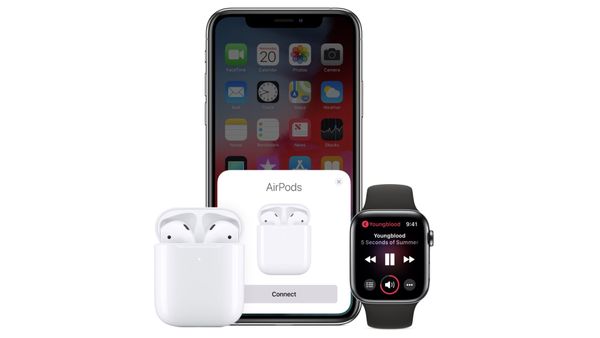
AirPods 2 Launched with Hey Siri support, wireless charging, and a new H1 chip.

Launch
Apple released a new 10.5-inch iPad Air and a 7.9-inch iPad.
macOS
Use Evernote in Light Mode with Dark Mode turned on macOS Mojave and Catalina.

Weekly
Tired of bad Bluetooth connectivity? Use ToothFairy to connect your Bluetooth devices including headphones, keyboard, mouse, and more to your Mac in seconds.

Apps
A list of best note taking apps for iPhone that you can use instead of the Apple Notes.
Ulysses
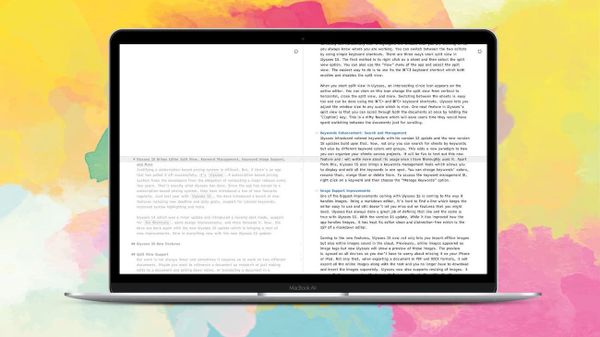
Ulysses 15 is bringing a host of new features including new split view for Mac, enhanced keywords management tool, and more.

Weekly
NightOwl is a Menu Bar utility app for Mac that allows you to control and toggle between dark mode and light mode in macOS.
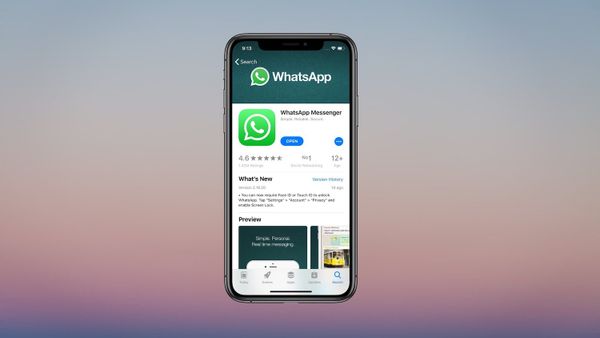
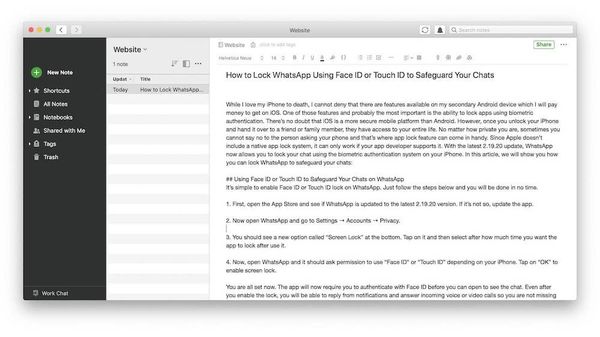
Enable screen lock to lock WhatsApp on iPhone using Face ID or Touch ID.
iPhone
Learn to import your Google Contacts into your iPhone's iCloud account without having to add Google Account in your iPhone.