iOS 17
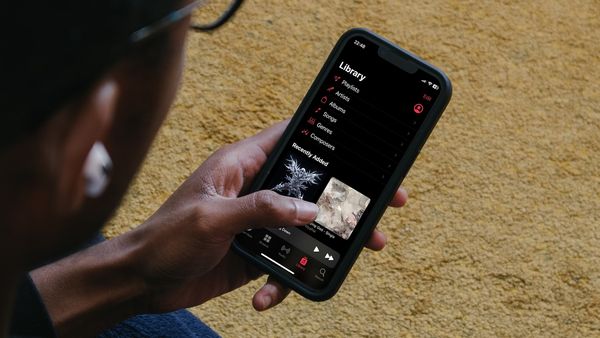
How to Enable Crossfade in Apple Music to Remove Silence
Here is how to enable crossfade in Apple Music to remove silence and enjoy seamless music streaming.

iOS 17
Here is how to enable crossfade in Apple Music to remove silence and enjoy seamless music streaming.
iOS 17
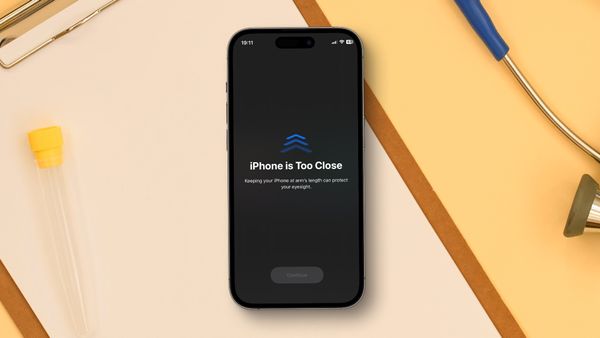
iOS 17 comes with a new feature that warns you when you get too close to the screen. Here is how you can protect your eyes with the Screen Distance feature in iOS 17.

Photos
Here is how to convert photos to PDF on iPhone for free using the native Photos app on iPhone.

Reminders
In this guide, we will show you how to use the new Groceries list feature in Apple Reminders to auto-categorize your shopping items on iPhone and Mac.
Safari
Enable Advanced Tracking and Fingerprint Protection in Safari to stop nefarious entities from creating your digital fingerprint and tracking your online activities.
iOS 17
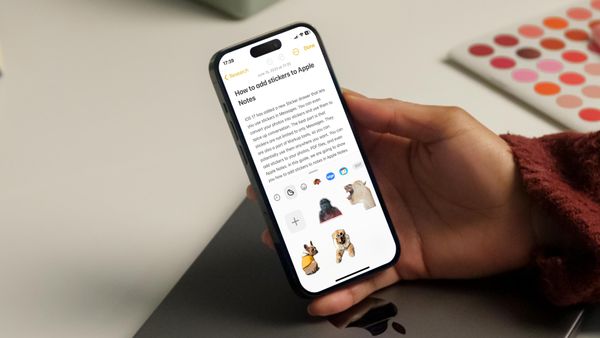
The iOS 17 sticker drawer feature is accessible in multiple apps. Here is how you can use it to add stickers to Apple Notes.
Safari
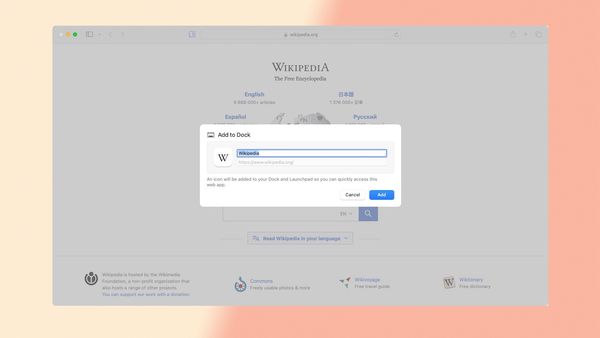
The latest macOS Sonoma update allows users to install Safari web apps on Mac. Here is how to use Safari web apps on Mac.
Guide
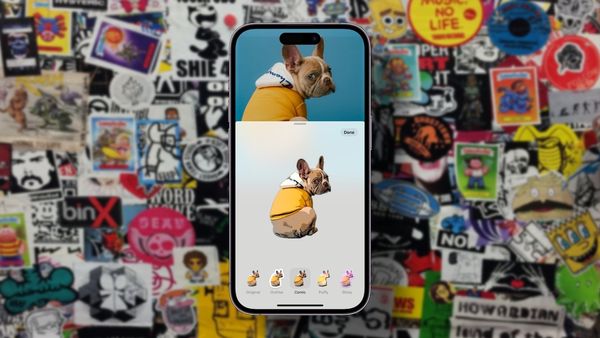
iOS 17 adds a new sticker drawer that lets you access all your live stickers. Here is how hot convert photos to stickers on iPhone.
Guide
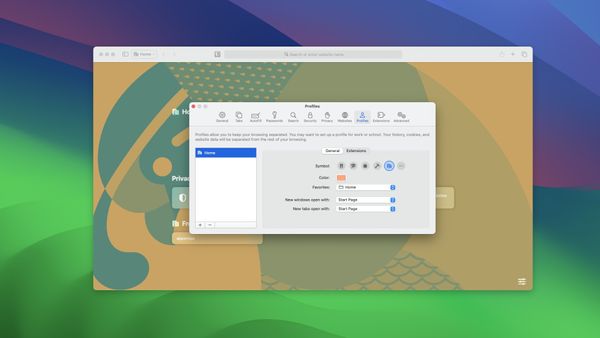
Safari Profiles help you create multiple browsing instances, each with its own history, bookmark, cache, and extension. Here is how to use Profiles in Safari.

Guide
With the latest iOS 17 and macOS Sonoma update, the Apple Reminders app allows you to see your tasks in a Kanban view. Here is how to create Kanban View in Apple Reminders.
Guide
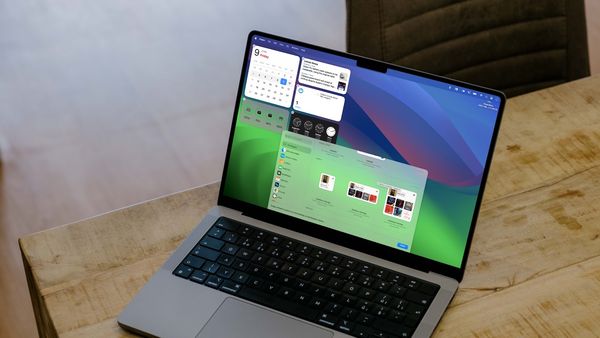
macOS Sonoma allows users to add widgets to Mac desktop. Here is how to add, remove, and edit widgets on the Mac desktop.
Apple Notes
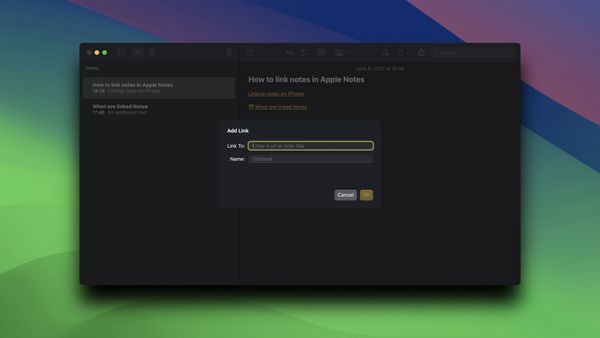
With iOS 17 and macOS Sonoma updates, Apple has added note linking feature to the Apple Notes app. Here is how to link notes in Apple Notes on Mac and iPhone.