iOS 17
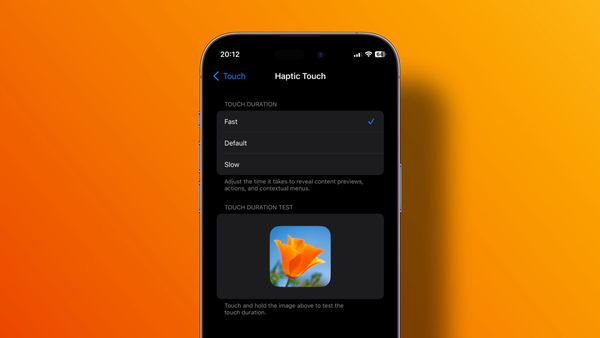
How to Improve Haptic Touch on iPhone
With the iOS 17 update, Apple has added a new accessibility setting that improves the Haptic Touch functionality. Here's how you make Haptic Touch faster.

iOS 17
With the iOS 17 update, Apple has added a new accessibility setting that improves the Haptic Touch functionality. Here's how you make Haptic Touch faster.

Shortcuts
Learn how to open different camera modes on your iPhone using Shortcuts. Capture photos, videos, panoramas, and more with a single tap.
Safari
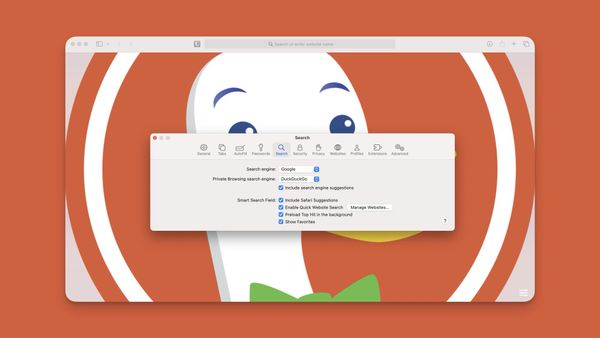
Here is how to set DuckDuckGo as default private browsing mode search engine in Safari on Mac and iPhone.
iOS 17
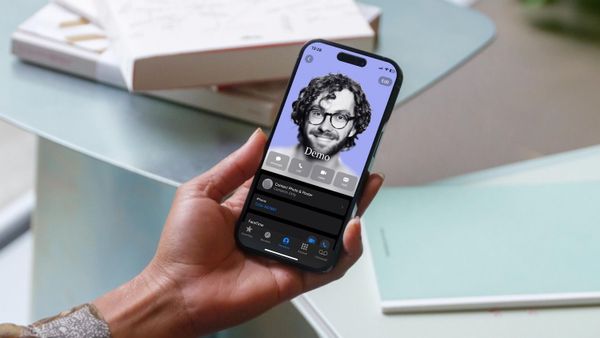
iOS 17 lets you create your own personal calling card. Here's how to create a contact poster on iPhone.
Apps
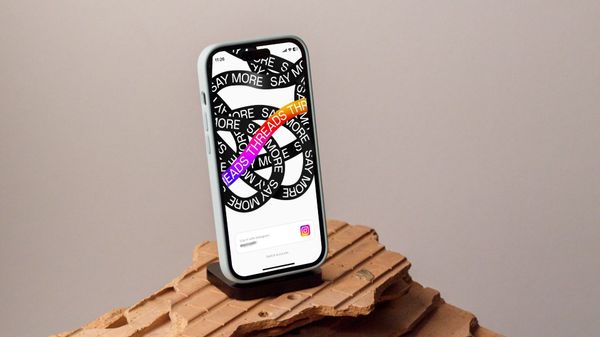
Here is everything you need to know about Threads - an Instagram app with a step-by-step guide of the sign-up process.
iOS 17
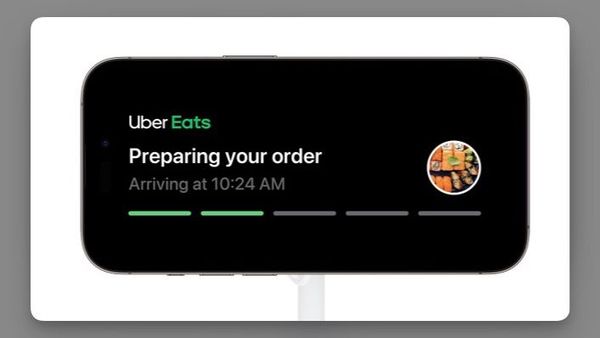
If you use your iPhone in StandBy Mode by your nightstand or while working, you can disable notifications in iPhone StandBy Mode.
iOS 17
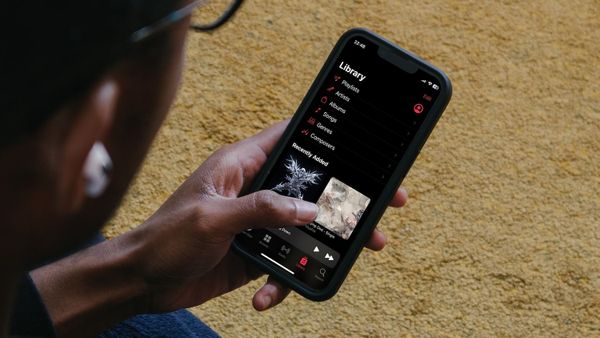
Here is how to enable crossfade in Apple Music to remove silence and enjoy seamless music streaming.
iOS 17
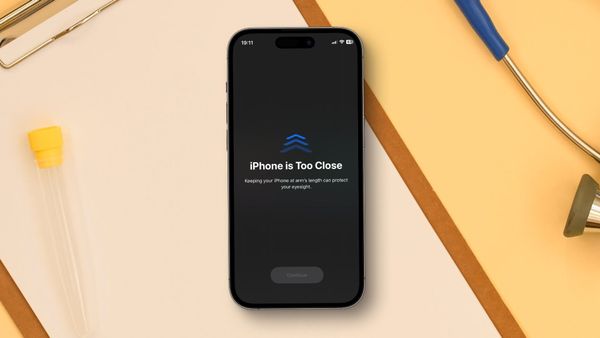
iOS 17 comes with a new feature that warns you when you get too close to the screen. Here is how you can protect your eyes with the Screen Distance feature in iOS 17.
Photos
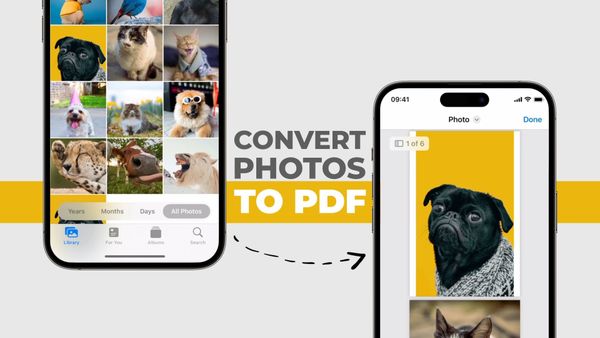
Here is how to convert photos to PDF on iPhone for free using the native Photos app on iPhone.
Reminders
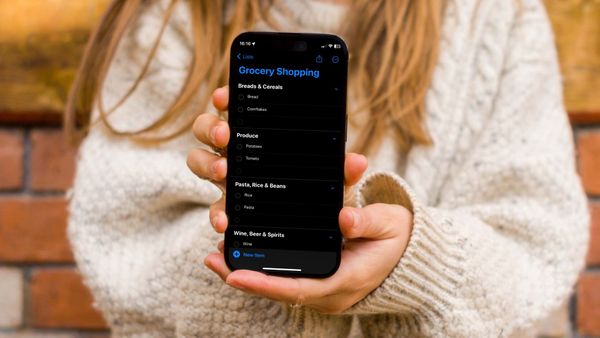
In this guide, we will show you how to use the new Groceries list feature in Apple Reminders to auto-categorize your shopping items on iPhone and Mac.
Safari
Enable Advanced Tracking and Fingerprint Protection in Safari to stop nefarious entities from creating your digital fingerprint and tracking your online activities.
iOS 17
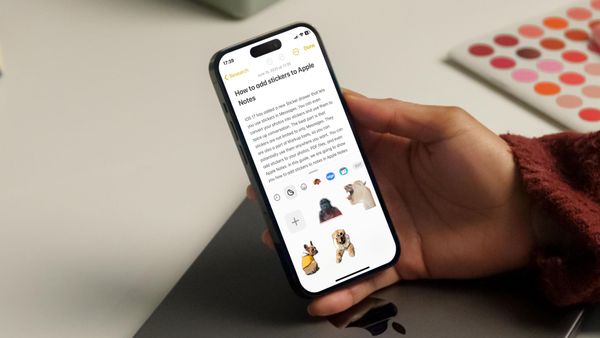
The iOS 17 sticker drawer feature is accessible in multiple apps. Here is how you can use it to add stickers to Apple Notes.