Shortcuts
How to Create and Use Quick Entry Shortcut for Apple Reminders on Mac
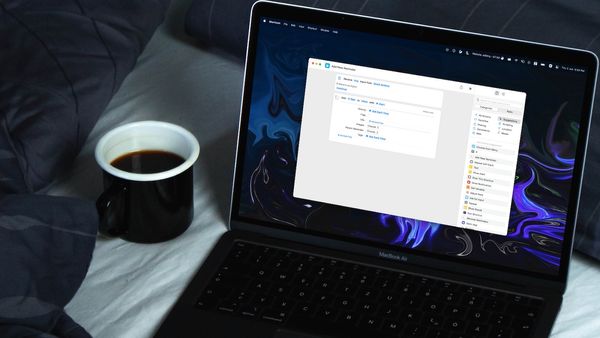
Here is how you can create and use quick entry shortcut for Apple Reminders on Mac.

I’ve spent over a decade writing about tech, creating guides, reviews, and stories that help people use their devices with confidence and enjoy the technology they own.

Shortcuts
Here is how you can create and use quick entry shortcut for Apple Reminders on Mac.
Mac
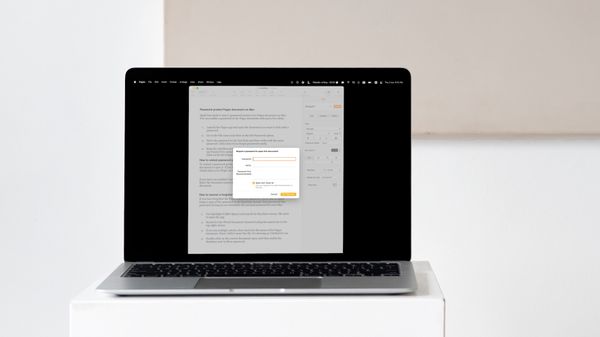
Here is how you can password protect Pages document to keep your data secure. Also, find out how to recover forgotten password.
Apps
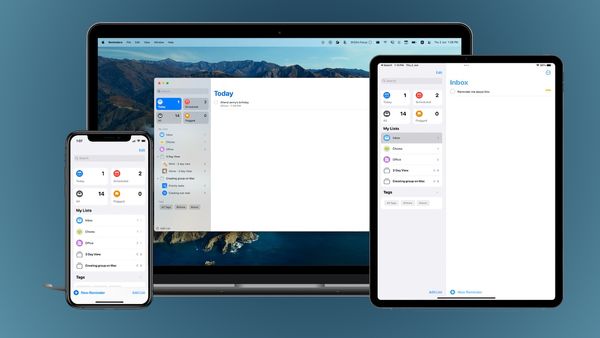
In our Apple Reminders guide, you will learn about the different types of reminders, different methods to create reminders, manage and organize reminders, share reminders, and some tips and tricks that will take your Reminders use to the next level.
Apps
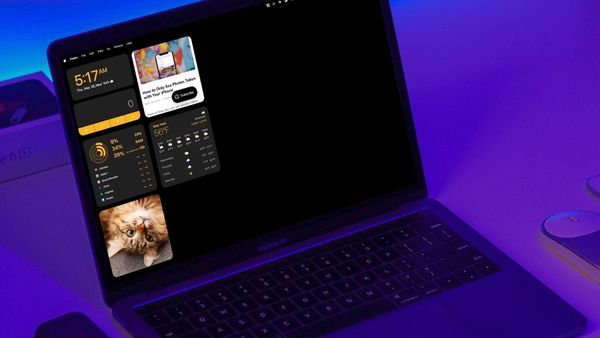
Here is how you can add widgets to Mac Desktop using the WidgetWall app. Add time widgets, weather widgets, stats widgets, photo widget, and more.
Guide
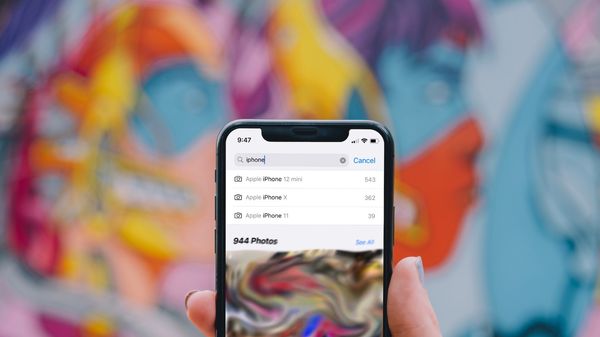
Here is how you can see photos taken only on your current and past iPhones.
Guide
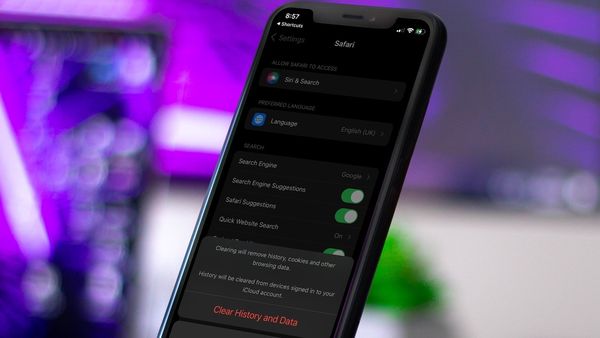
Here is how you can use Shortcuts app to quickly delete Safari Browsing History and Data on your iPhone and iPad.
Guide
Here's how you can set up the Mac Dock to only show open apps to reduce clutter.
Guide
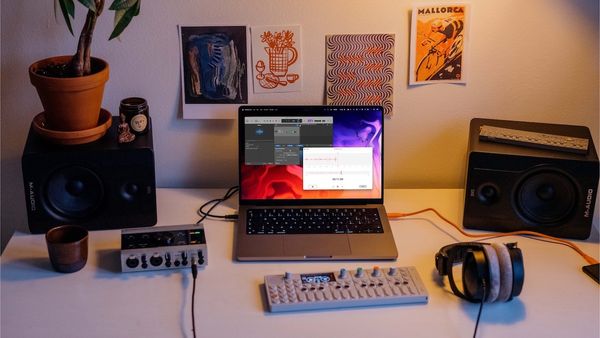
Here are three ways you can use to record audio on Mac. Learn to record audio using Voice Memos, QuickTime Player, and GarageBand.

Apps
Here are the best note taking apps to use in 2020. Learn how to choose a notes app and create the perfect note taking system.
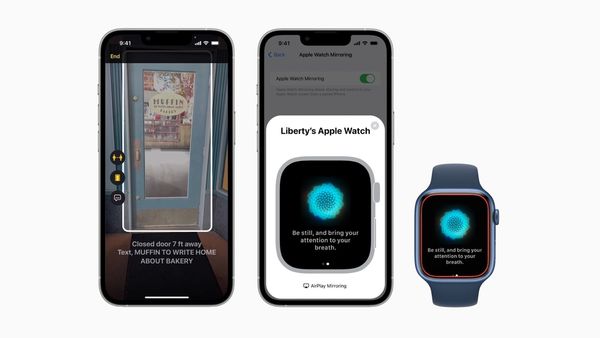
News
Apple has given us a preview of its upcoming accessibility features that introduce new ways for users with disabilities to navigate, connect, and get the most out of Apple products.

News
Macstories has announced the wiiners of its automation April Shortcuts competition. Check out all the aweomse shortcuts now.
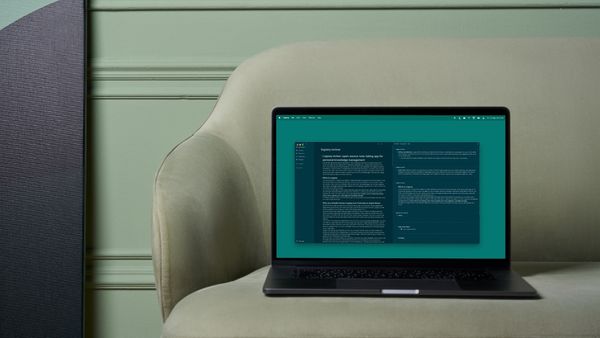
Review
In my Logseq review, I give you an overview of the app and compare it with other note taking apps like Evernote, Roam Research, and Obsidian to help you make an informed decision.