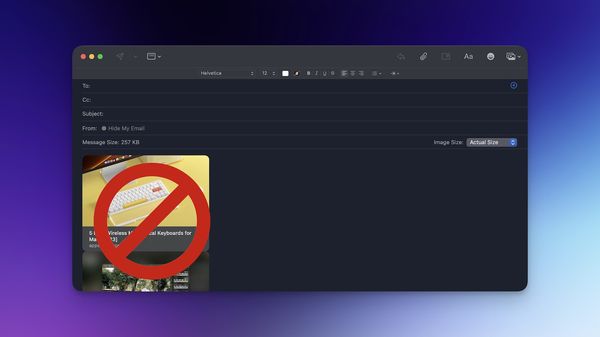
How to Disable Apple Mail Rich Link Preview in macOS Ventura
Here are three methods you can use to disable Apple Mail rich link preview to stop links from turning into images, videos, websites, and more.

Here are three methods you can use to disable Apple Mail rich link preview to stop links from turning into images, videos, websites, and more.
iPhone
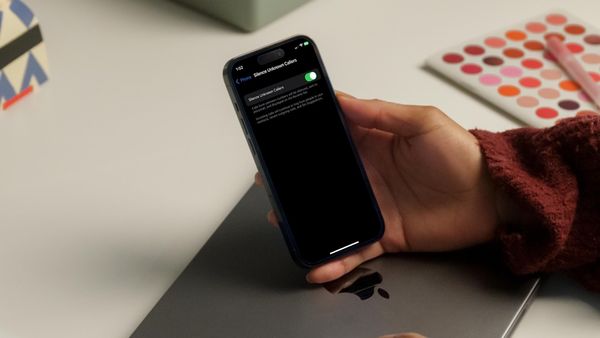
Here is how to silence unknown callers on your iPhone to ensure that unsolicited calls don't ring your iPhone and distract you.
Safari
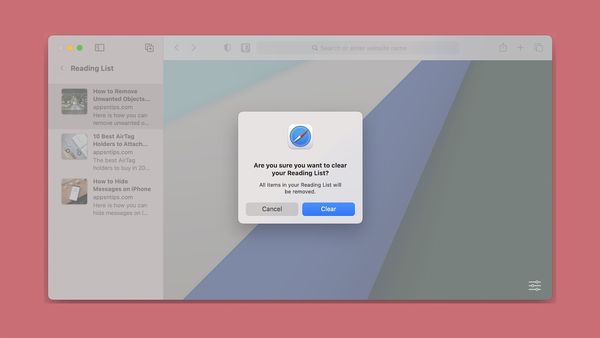
Here is how to delete Reading List on Mac and iPhone. Learn to delete individual articles and all articles at once.
iPhone
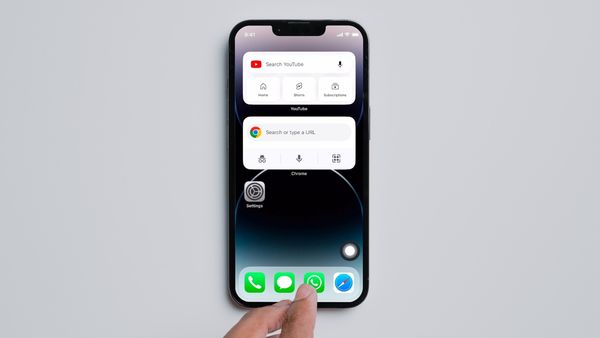
So you have upgraded to the latest iPhone but dearly miss the Home Button. Here is how you can add Home Button to iPhone 13, iPhone 14, and more.
Guide
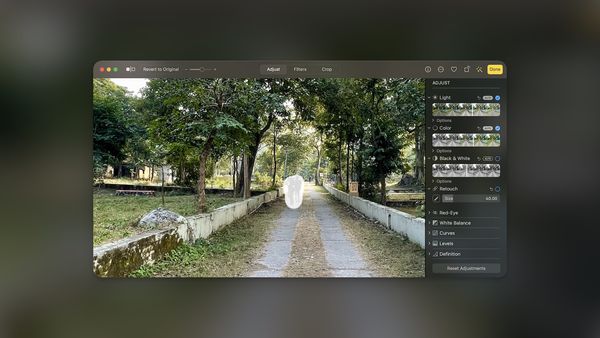
Here is how you can remove unwanted object from photos on Mac for free using the stock Photos app.
Guide
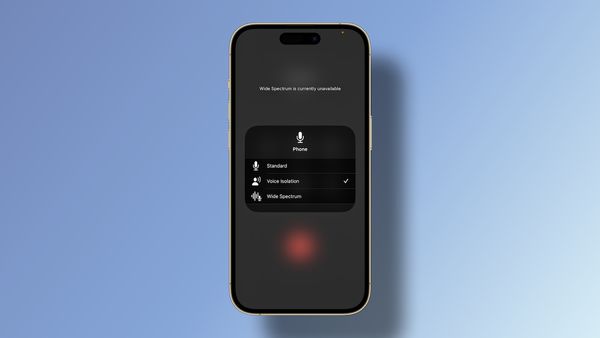
Here is how you can improve calls on iPhone using the Voice Isolation feature.
Guide
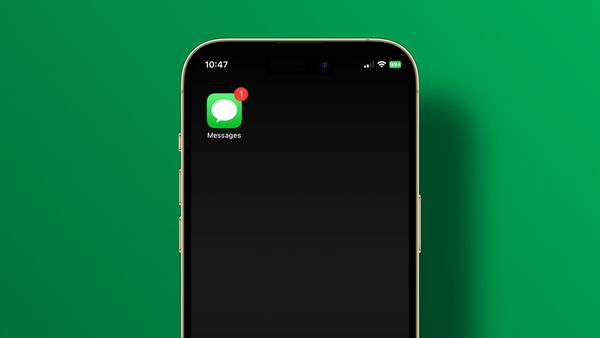
Here is how to fix the Messages badge won’t go away error and Messages show wrong badge count error on iPhone.
Mac
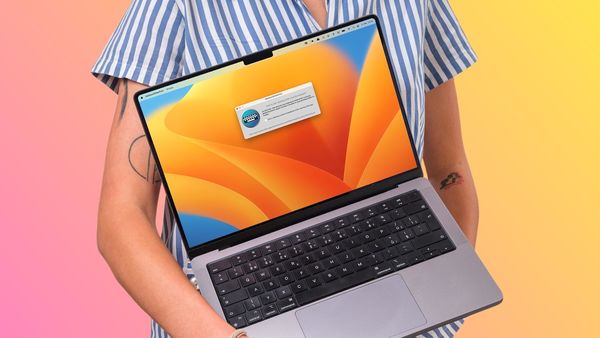
Here is how to disable the MacBook keyboard for cleaning or other purposes.
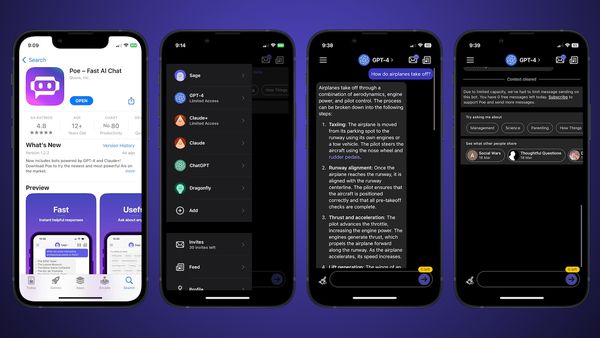
Guide
Here is the best app you can use to access and use ChatGPT and GPT-4 on iPhone. Also support other chatbots, including Claude, Sage, and Dragonfly.
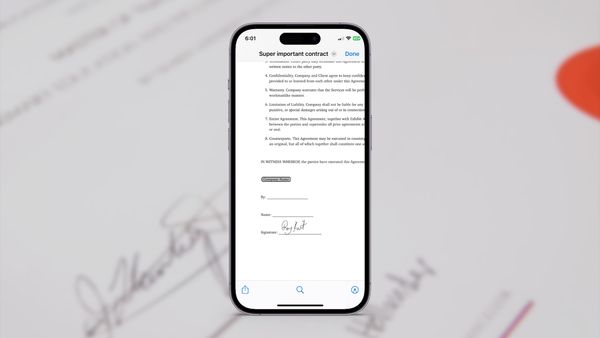
Guide
Here is how to sign PDF on iPhone using the built-in Markup tool. It's free, and you don't need any third-party app for this to work.
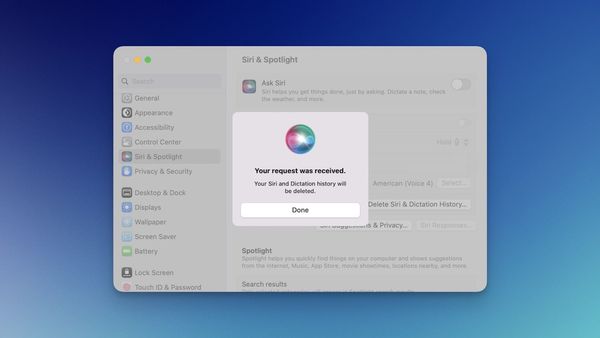
Guide
Here is how you can delete Siri and Dictation History on your iPhone and Mac.
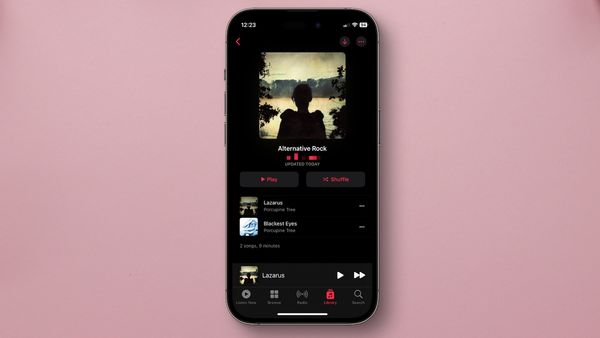
Guide
Here is how you can use a shortcut to play Apple Music Playlists with a single tap on your iPhone.