iPhone
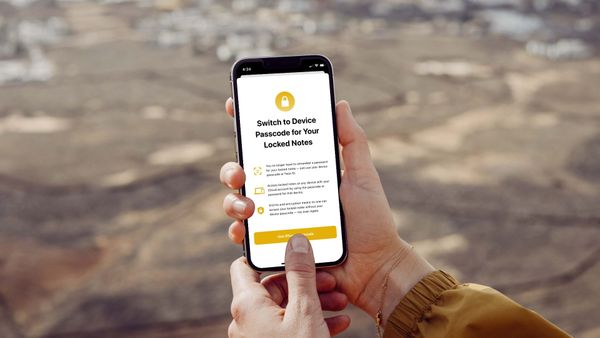
How to Unlock Notes with iPhone Passcode and Face ID in iOS 16
Here is how you can lock and unlock notes with your iPhone passcode and Face ID in iOS 16.

Rachit is a tech journalist with over 10 years of experience covering consumer tech, specializing in Apple, AI, E Ink, and productivity. He writes stories that help people use their devices with confidence and enjoy the technology they own.

iPhone
Here is how you can lock and unlock notes with your iPhone passcode and Face ID in iOS 16.
Shortcuts
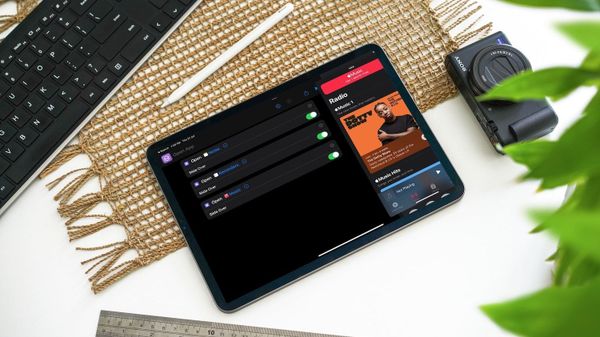
Here is how to open multiple apps in Slide Over mode on the iPad using Shortcuts.
Mac
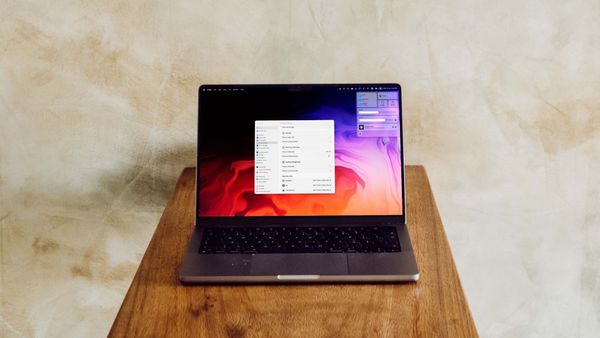
The macOS Ventura update has changed how you can enable Fast User Switching on Mac. Here is how to enable fast user switching on Mac in macOS 13 Ventura.

Accessories
Here are the best screen protectors for MacBook Air M2 you can buy right now.
iPad
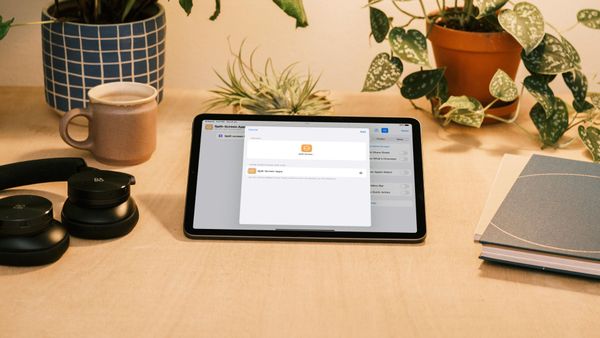
Here is how you can use Shortcuts to open two apps in Split View mode on the iPad.
Mac
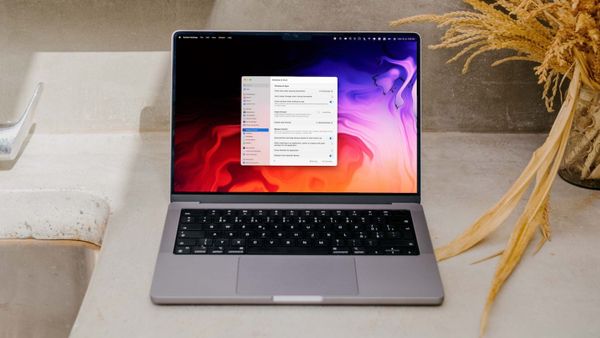
Here is how you can change the default web browser on Mac in macOS Ventura.
iPhone
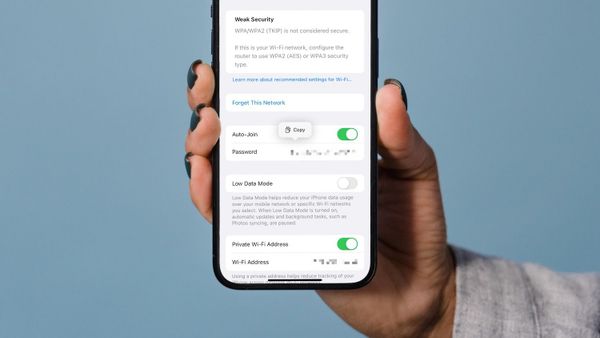
Here’s how you can view and share WiFi passwords in iOS 16 on iPhones and iPads.
iPhone
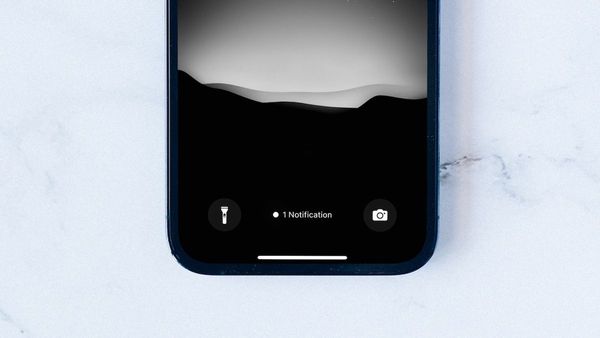
iOS 16 lets you only show notification count on your iPhone to give it a clean look. Here is how you can how only notification count on iPhone.
Apps
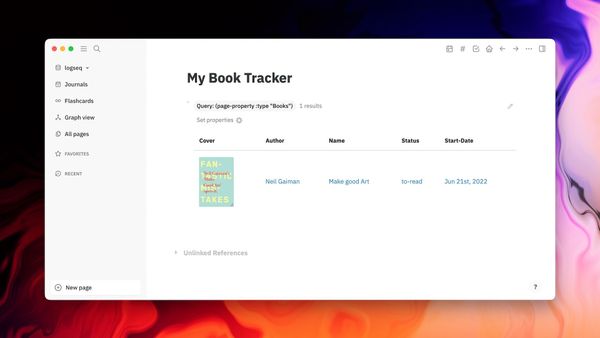
Here is how you can create a book tracker in Logseq to keep track of the books you read.
Reminders
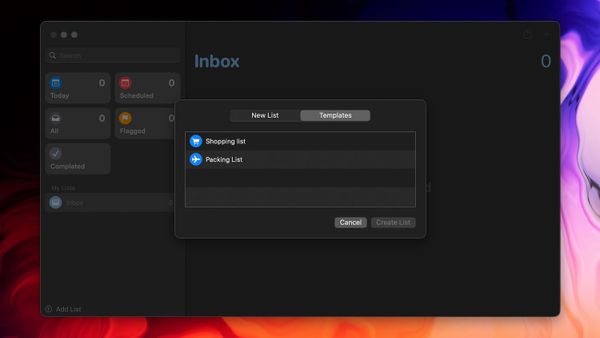
Here is how you can use the new template list feature in Reminders on iPhone and iPad to create a reusable list.
Ulysses
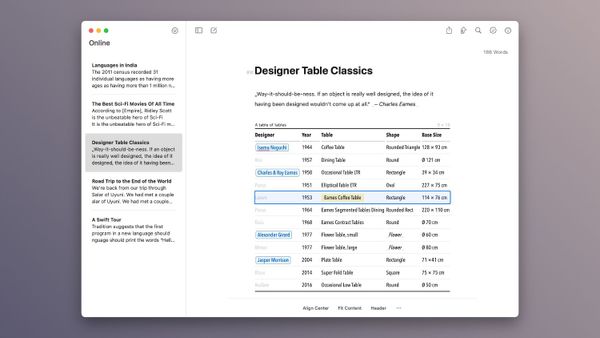
Ulysses 27 update adds full for support for creating, editing, and publishing tables on iPhone, iPad, and Mac.
Mac
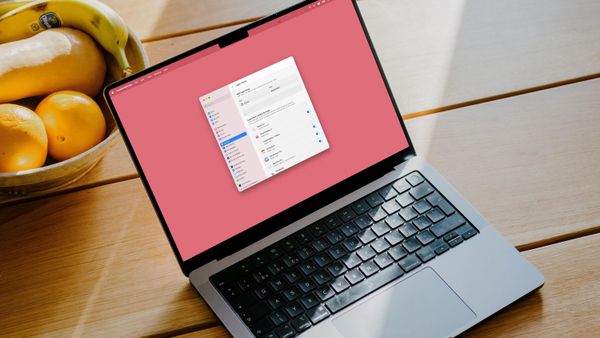
Here is how to stop apps from opening at startup in macOS Ventura on Mac using the new System Settings app.