iPhone
How to Batch Edit Photos on iPhone
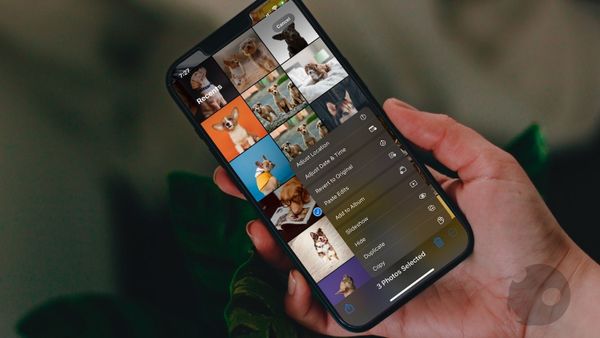
Users can now batch edit photos on iPhone using the new copy and paste edits feature in iOS 16.

iPhone
Users can now batch edit photos on iPhone using the new copy and paste edits feature in iOS 16.
iPhone
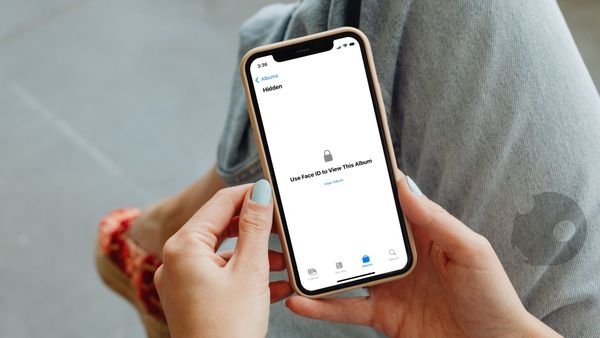
Protect your photos from prying eyes by hiding them and locking them behind a password on your iPhone.
iPhone
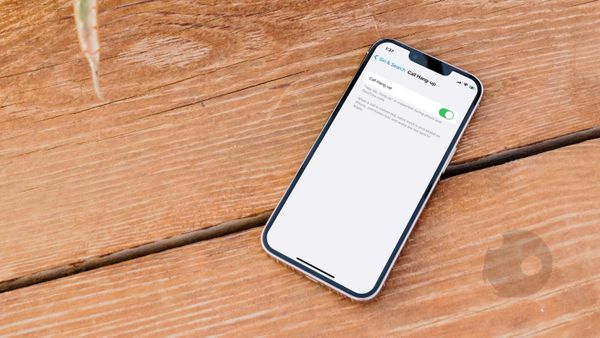
iOS 16 gives Siri the ability to end calls, giving you a hands-free calling experience. Here is how you can use Siri to hang up calls on iPhone in iOS 16.
Safari
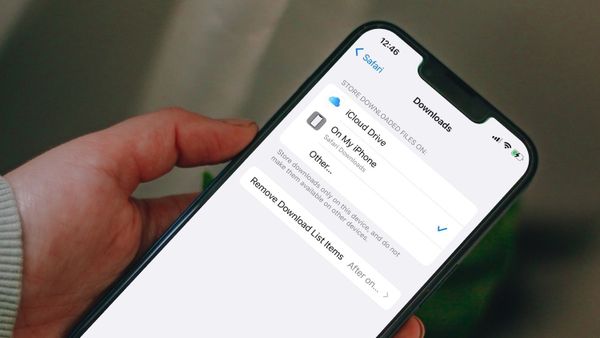
Here is how you can change the Safari default download location on iPhone and set a custom folder for storing Safari downloads.
iPhone
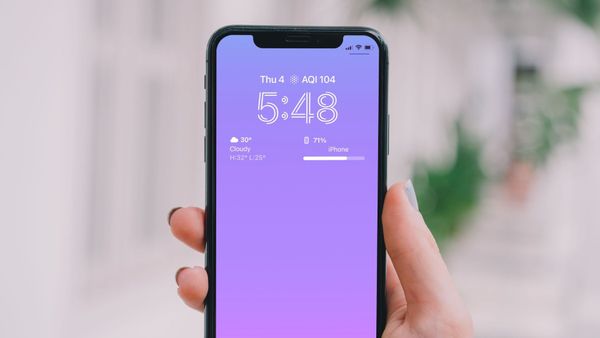
Here is how you can display the iPhone battery percentage on the Lock Screen in iOS 16.
iPhone
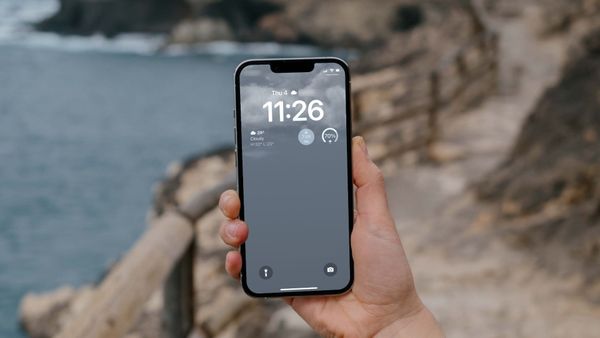
Here is how you can set dynamic weather Lock Screen wallpaper on iPhone in iOS 16.
iPhone
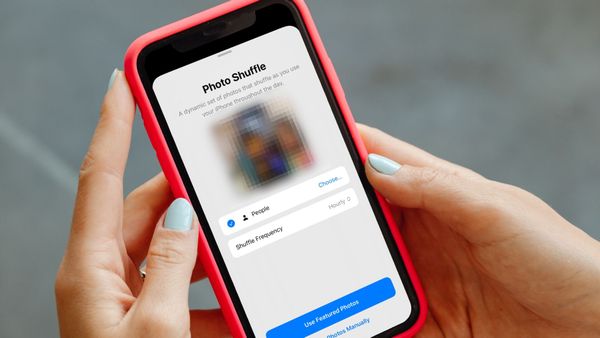
Here’s how you can use the Photo Shuffle feature to automatically change your iPhone wallpaper.
iPhone
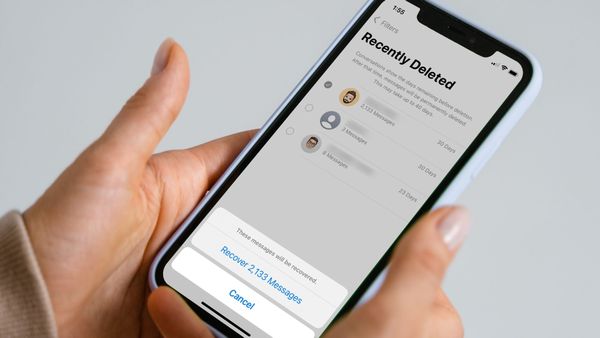
Using the Recently Deleted folder in iOS 16, users can recover deleted text messages and iMessage.

Mac
With macOS 13 Ventura and iOS 16 updates, Apple has made Safari Tab Groups sharable. Here is how to create and share Safari Tab Groups on Mac and iPhone.
iPhone
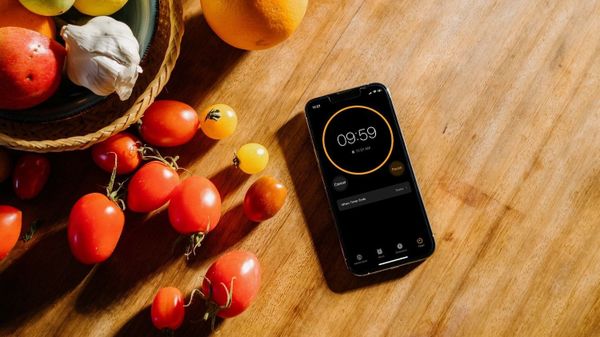
Here are top 4 ways you can use to create a timer on iPhone. Learn to create timers on iPhone using Clock app, Siri voice commands, Spotlight, and shortcuts.
Mac
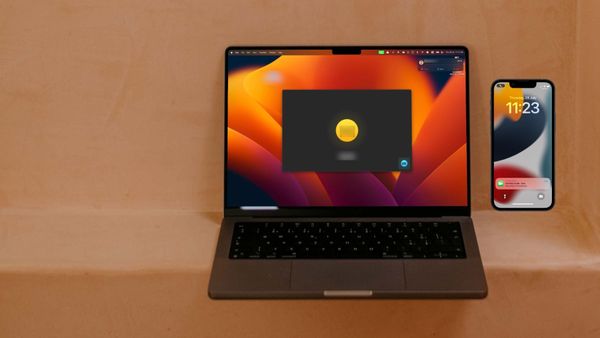
If you are on a FaceTime call on your iPhone, you can switch the call to your Mac and vice versa. Here is how to use FaceTime Handoff to swap calls between iPhone and Mac.

Safari
Here is how to sync Safari extensions across Mac, iPhone, and iPad.